V140707
Access Controller
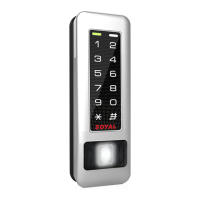
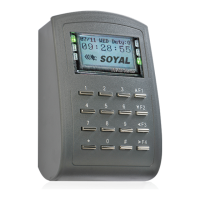
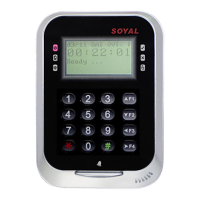
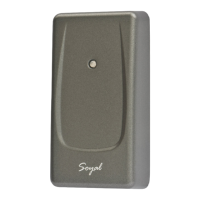
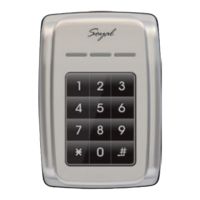
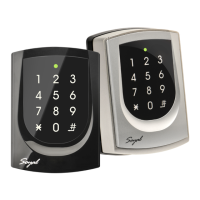
Touch-panel Metal Housing / Illuminated Touch-panel
[e.g.] The anti-pass-back function of User Address 00154 has been enabled. After presenting the card to get in, the user doesn’t present the card to
leave. When s/he tries to present the card to get in again, since the in-in sequence violates the anti-pass-back rule, s/he will be rejected. To solve this
problem, you can reset it as follows. Enter program mode
→
26 00154 00154 2
→
Reset
Enable/Disable auto-open time zone
Enter program mode
→
20 004 [004= enable Auto-Open Time Zone; 000= disable Auto-Open Time Zone]
Enable/Disable auto open door without presenting card
Enter program mode
→
24 001 [001= enable Auto-Open Time Zone; 000= disable Auto-Open Time Zone]
[e.g.] Enable the anti-pass-back function of User Address from 00152 to 00684:
26 00152 00684 0
Enable card
Enter program mode
→
26 SSSSS EEEEE N
[SSSSS= Starting User Address; EEEEE= Ending User Address; N=0(control)/ 1(Not control)/ 2(reset)]
Enable controller
Enter program mode
→
20 DDD [128= Anti-pass-back(0=Disable; 1=Enable)/ 064=Entrance/Exit(0=Exit; 1=Entrance).]
Enter program mode
→
20 128 (Please refer to function default value for details.)
[e.g.] Enable Anti-pass-back, and set to Exit door= (128 x 1) + (064 x 0) = 128
N: 2 sets of auto-open zone (N=0=1st set; N=1=2nd set)
HHMMhhmm=Staring time to ending time (e.g. 08301200=08:30 to 12:00)
7123456H= 7 days of a week (Sun/Mon/Tue/Wed/Thu/Fri/Sat) + Holiday (H= 0: disable; 1: enable); Holidays can be set via 701Client software.
Set up auto-open time zone
Enter program mode
→
08 N HHMMhhmm 7123456H
[e.g.] To set the second time zone as 9:30 AM to 4:20 PM, Monday, Wednesday and Friday: 08 1 09301620 01010100
→
Done
M4/M8: Private PIN
Card or PIN:
Enter program mode
→
12 UUUUU PPPP [e.g. User Address: 00001 and pass code: 1234, input 12 00001 1234 ]
Card and PIN:
Enter program mode
→
13 UUUUU PPPP [e.g. User Address: 00001 and pass code: 1234, input 13 00001 1234 ]
M6: Public PIN
Card or PIN:
Enter program mode
→
15 PPPP [Input 4-digit PIN, default value: 4321; PPPP=0000:
cancel the function of simply inputting PIN to get access
]
Card and PIN:
Enter program mode
→
17 PPPP [Input 4-digit PIN, default value: 1234; PPPP=0000: access mode will be "Card Only"]
Enter program mode
→
00 NNN [Node ID: 001~254; if the access controller is connected to AR-716E, its Node ID will be 001~016.]
Usually, anti-pass-back is commonly applied to parking areas in order to prevent from multi-entry with one card at a time, or to locations that
need entry and exit control.
Door will remain open after the rst ashing card. There are 2 time zones supported when Standalone, and 63 time zones when connected to AR-716E.
Enter program mode
→
28 064 [064= Double Door Control]
Controller with a reader to perform the "Double Door Control".
Enter program mode
→
04 N [N=4/6/8]
D. Set up the password
E. Double Door Control (M4/M8)
F. Anti-pass-back (M4/M8)
G. Auto-Open Time Zone
B. Change the Node ID of Controller
C.Set up M4/M6/M8
H. Lift control
Enable
Enter program mode
→
24 002 [002= enable lift control]
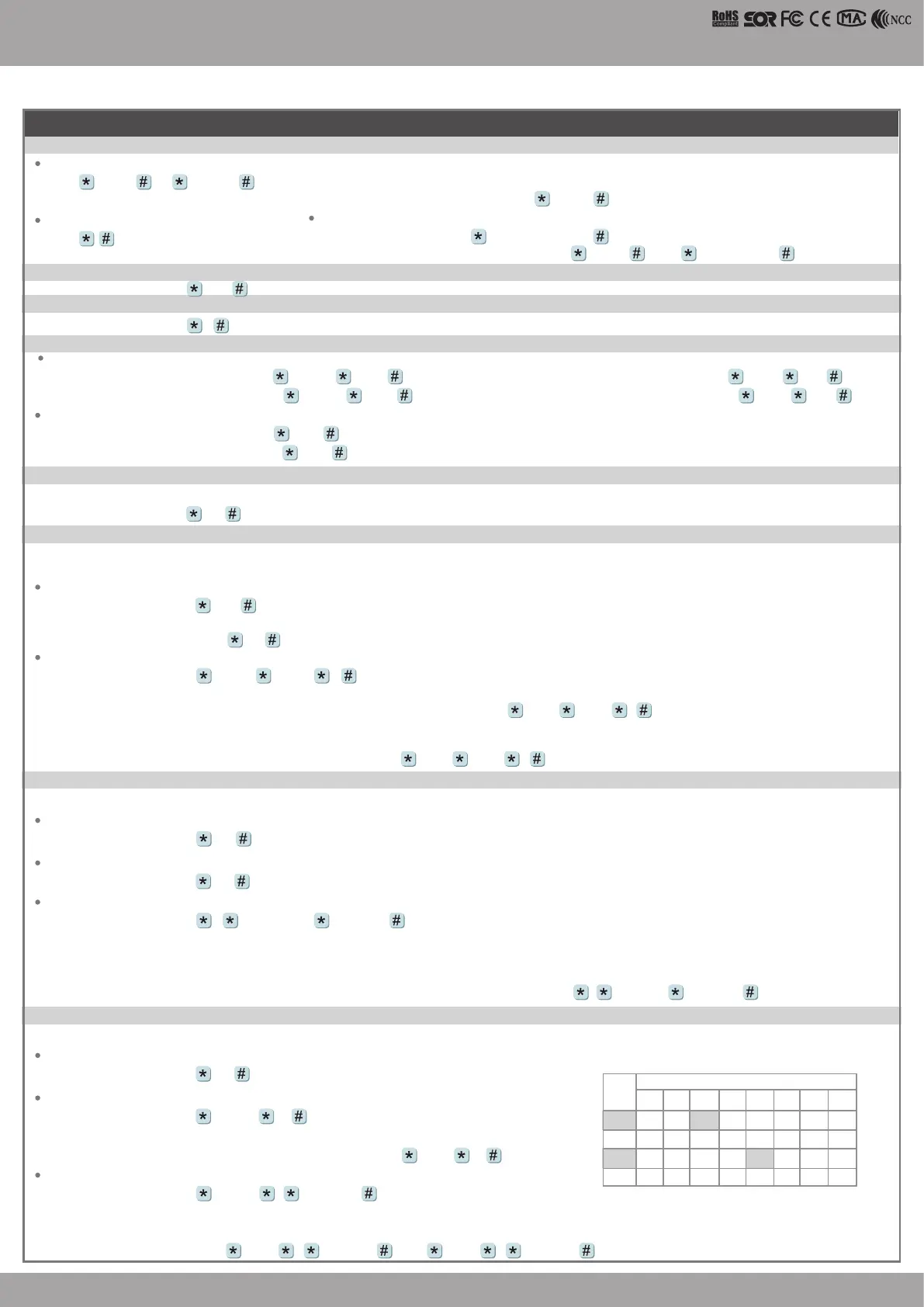
[e.g.] User Address NO. 168, only to the 6th and the 20th oor:
Enter program mode
→
21 00168 0 00100000
→
21 00168 2 00001000
Multi oors
Enter program mode
→
21 UUUUU S FFFFFFFF
[UUUUU=User Address S: 4 sets of lift control (Input: 0~3) FFFFFFFF: 8 oors setting (F=0: Disable, F=1: Enable)
Single oor
[e.g.] User Address NO. 45, allowed to access the 24th oor:
27 00045 24
Enter program mode
→
27 UUUUU FF
UUUU=User Address FF=Floor number (01~32 oor)
Connect with AR- 401RO16B to control access oors of users.
Set
Floor/ Stop
F
8
16
24
32
0
1
2
3
F
6
14
22
30
F
7
15
23
31
F
5
13
21
29
F
4
12
20
28
F
3
11
19
27
F
2
10
18
26
F
1
9
17
25
Please refer to below oor chart
Master Code modication
Enter program mode
→
09 PPPPPPRRRRRR [Input the 6-digit new master code twice.]
[e.g.] Set the Master code to be 876112, input
123456
→
09 876112876112
Enter the program mode
Input 123456 or PPPPPP
[e.g.] The Default Value= 123456, if the Master Code is already changed= 876112, input
876112
→
program mode entered
Exit the program mode
Input
Operation process
A. Enter / Exit Program Mode


 To Next Page
 Loading...