Hardware Setup
SY-7IZB+N
12
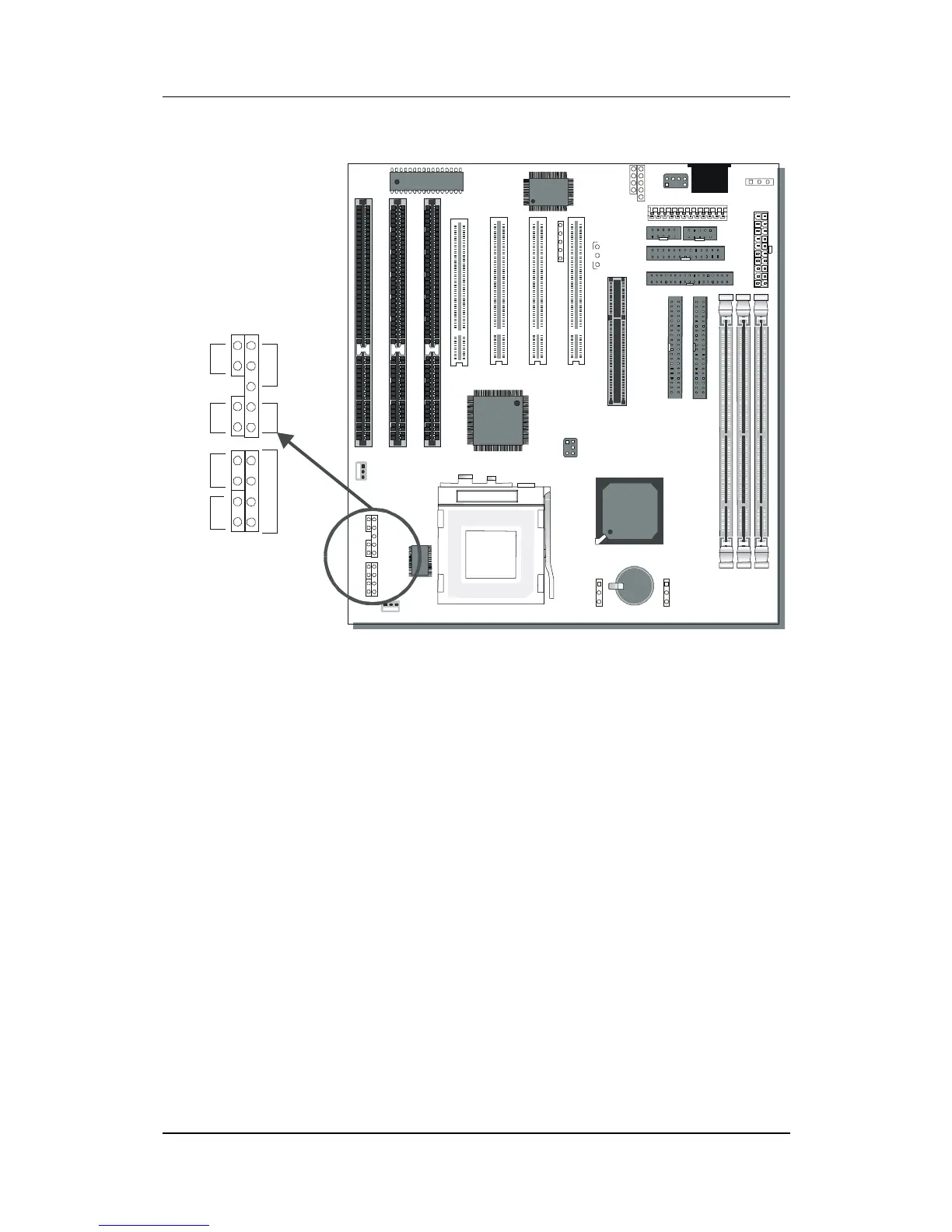
2-3.6 Front Panel Connections
Plug the computer case's front panel devices to the corresponding
headers on the Motherboard.
1. Power LED & KeyLock
Plug the Power LED cable into the 5-pin Keylock header.
Some systems may feature a KeyLock function with a front panel
switch for enabling or disabling the keyboard. Connect the KeyLock
switch to the 5-pin Keylock header on the Motherboard.
Please install according to the following pin assignment: pin 1,3 are
for Power LED and pin 4,5 are for Keylock.
2. Reset
Plug the Reset push-button cable into the 2-pin Reset header on
the Motherboard. Pushing the Reset button on the front panel will
cause the system to restart the boot-up sequence.
*
22
LED
_



 To Next Page