Hardware Setup
SY-7IZB+N
19
2-3.9
Cooling Fan Installation
1. CPU Cooling Fan
After you have seated the CPU properly on the processor, attach
the 3-pin fan cable to the CPUFAN connector on the Motherboard.
The fan will stop when the system enters into Suspend Mode.
(Suspend mode can be enabled from the BIOS Setup Utility,
[POWER MANAGEMENT] menu.)
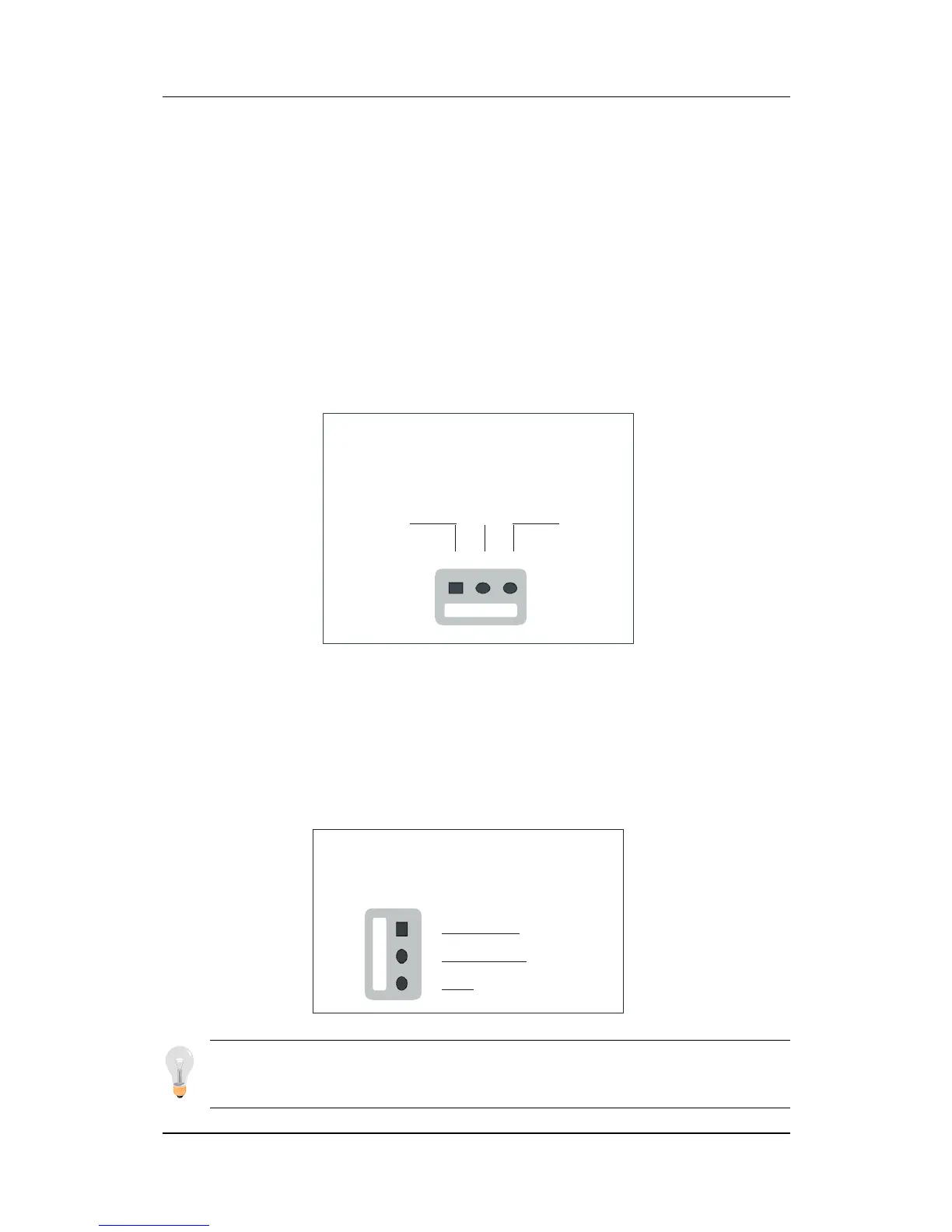
To avoid damage to the system, install according to the following
pin assignment:
2. Chassis Cooling Fan
Some chassis also feature a cooling fan. This Motherboard features
a CHAFAN connector to provide 12V power to the chassis fan.
Connect the cable from the chassis fan to the CHAFAN 3-pin
connector. Install according to the following pin assignment:
Note: CPUFAN must be installed for this Motherboard,
CHAFAN is optional.
Chassis Cooling Fan
CHAFAN Pin Assignment
1
2
3
GND
12V
SENSOR
CPU Cooling Fan
CPUFAN Pin Assignment
1
2
3
GND
12V SENSOR



 To Next Page