Hardware Setup
SY-7IZB+N
23
2-3.16
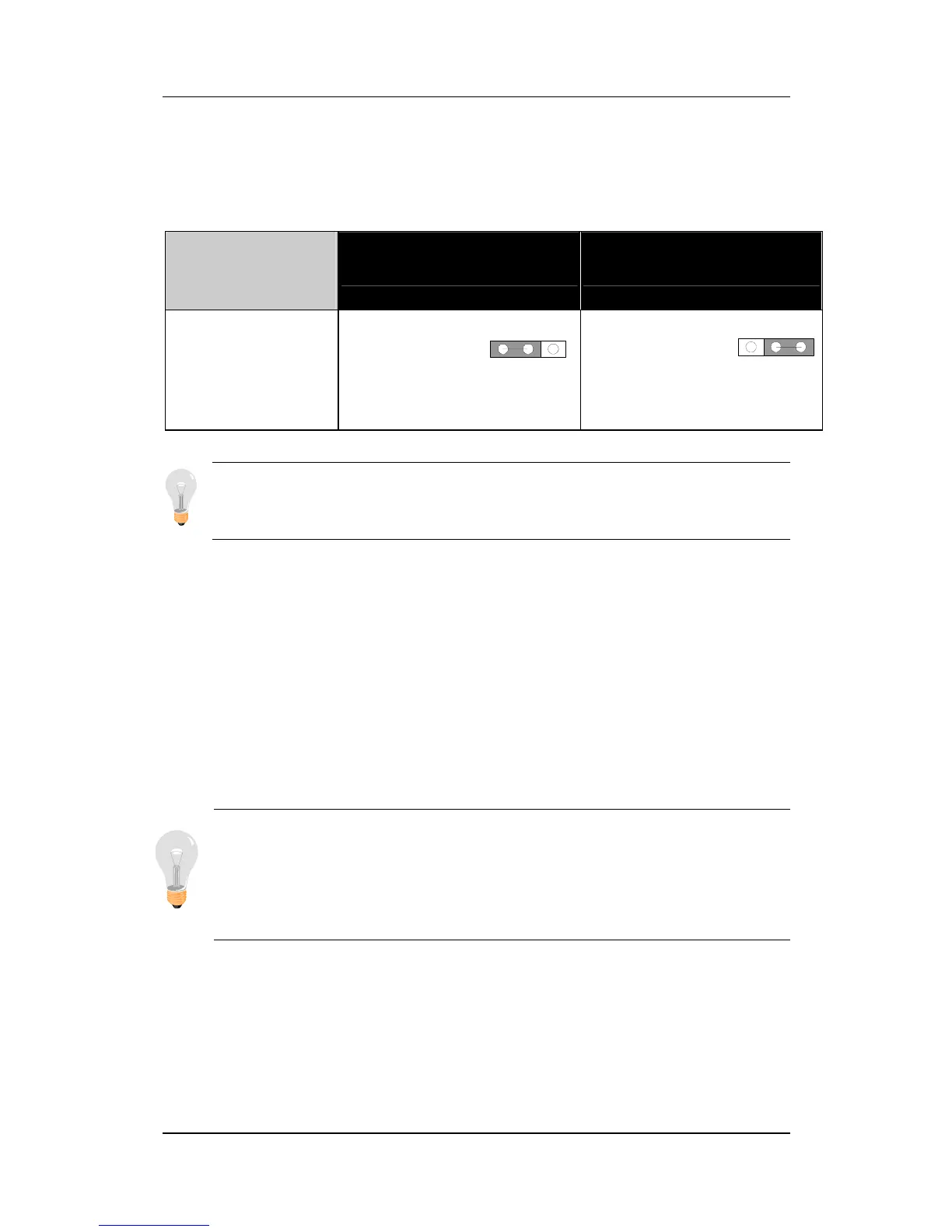
Power-On by Keyboard Jumper (JP10)
You can choose to enable the Power-On by Keyboard or Mouse
function by shorting pin 1-2 on jumper JP1, otherwise, short pin 2-3
to disable this function.
Support
Power-On
by Keyboard
Enable Disable
JP10 Setting
Enable
Power-On by
Keyboard
function
(short pin 1-2)
Disable
Power-On by
Keyboard
function
(short pin 2-3)
Note: When using the Power-On by Keyboard function, please
make sure the ATX power supply can take at least 720mA load on
the 5V Standby lead (5VSB) to meet the standard ATX specification.
2-3.17 Power On
You have now completed the hardware installation of your
Motherboard successfully.
1. Turn the power on
2. To enter the BIOS Setup Utility, press the <DEL> key while the
system is performing the diagnostic checks,
Note: If you have failed to enter the BIOS, wait until the boot
up sequence is completed. Then push the RESET button and
press <DEL> key again at the beginning of boot-up, during
diagnostic checks.
3
2
1
3
2
1



 To Next Page