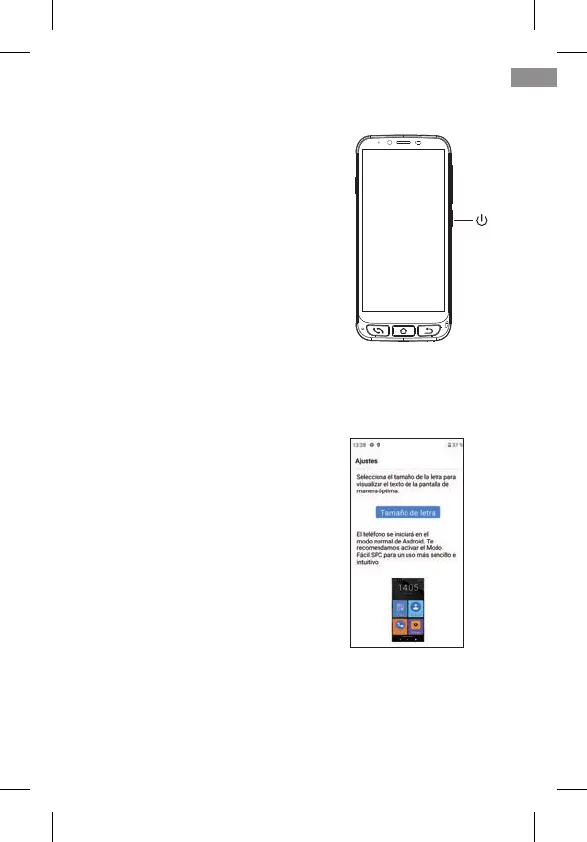
1.2 INITIAL START UP
Once ready, you can start up the
ZEUS 4G/ ZEUS 4G PRO by pressing
and holding the side ON/OFF button.
The ZEUS 4G/ ZEUS 4G PRO will
start up like any Android device, as-
king for the SIM card PIN and lan-
guage selection. You must continue
with the normal Android congura-
tion process for your telephone (Wi-
Fi, Google account…).
1.3 END SCREEN TEXT SIZE ADJUSTMENT AND EASY MODE
EXPLANATION
Finally, the Easy Mode Activation
Information and Font Size Adjust-
ment screen appears:
By clicking on Font size we can se-
lect the font size that best suits our
tastes: small, default, large or as
large as possible. After selecting it,
press Back to return to the setting
screen.
At the bottom of the setting screen it is reported how the
default launcher is selected.
EN
37



 To Next Page