3. SHORTCUTS APPLICATION
3.1 LIST OF SETTINGS AVAILABLE IN THIS APP
The Shortcuts application is a utility that allows you to make
quick device setting changes. It has this icon:
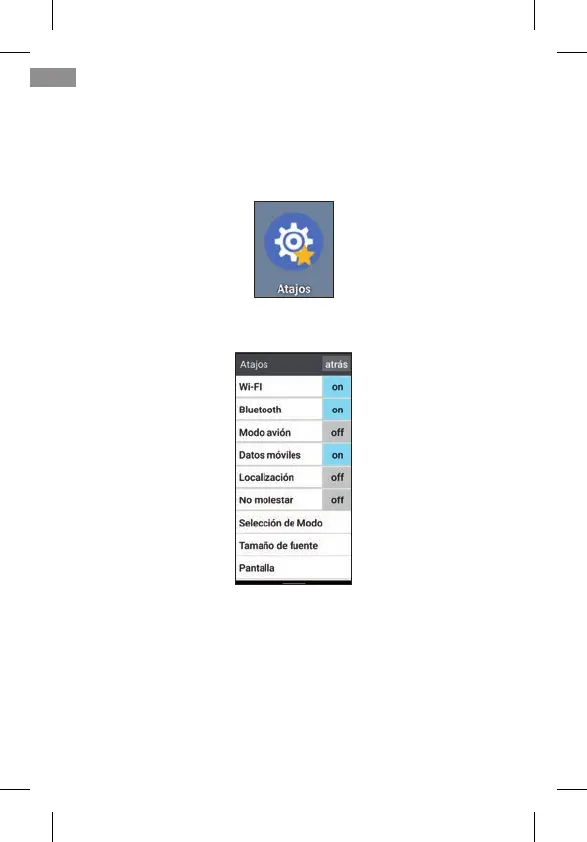
It opens by clicking once on its icon. This screen appears:
On the left are the different elements to adjust, and on the ri-
ght their ON (activated) or OFF (deactivated) status. By brie-
y pressing on that area we can activate or deactivate the
corresponding function. The colour changes to blue when
activated.
By clicking on the text of the function itself, we access all of
its settings.
50
EN



 To Next Page