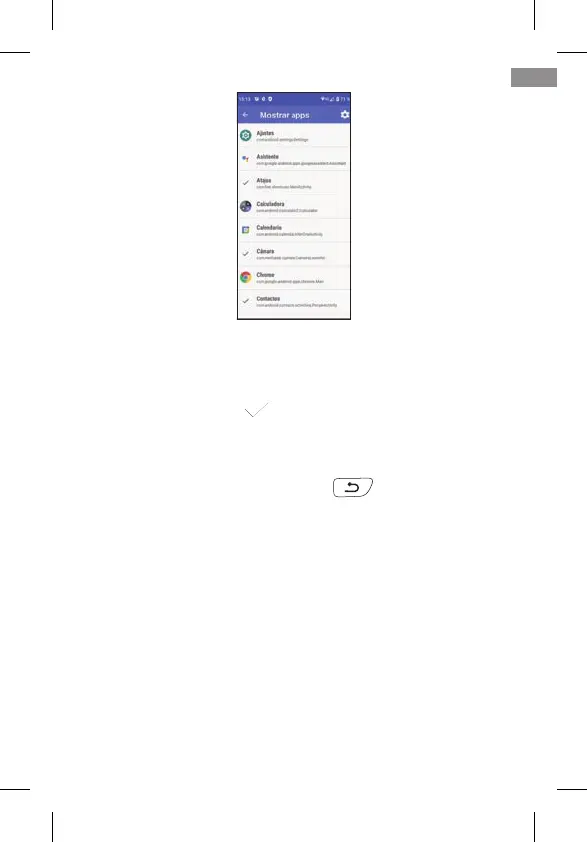
In the list you can see all the applications available on the te-
lephone, whether pre-installed and installed later. By clicking
on each of them you can select or deselect them. The selec-
ted ones appear with a sign and will be the ones that
later appear with their icon on the desktop in Easy Mode.
You can exit APPS by pressing the back arrow on the screen
or on the Back key on the keyboard .
2.3 MOVE APPLICATIONS AROUND AND PLACE APPLICATIONS ON THE
HOME SCREEN
By default, the main and secondary pages show the appli-
cations in a predetermined order. You can change this order
to your liking.
When you install a new application from the Play Store, the
new application will automatically be added to the rst free
slot on the Easy Mode desktop.
To move one of the icons, lightly hold your nger on the icon
45
EN



 To Next Page