You can congure different emergency numbers (for exam-
ple, of close relatives), up to a maximum of 3. If you have a
problem, just by pressing the SOS button, calls will be made to
these numbers sequentially and for three cycles, until one of
the contacts answers.
5.2 HOW TO CONFIGURE IT
To congure it:
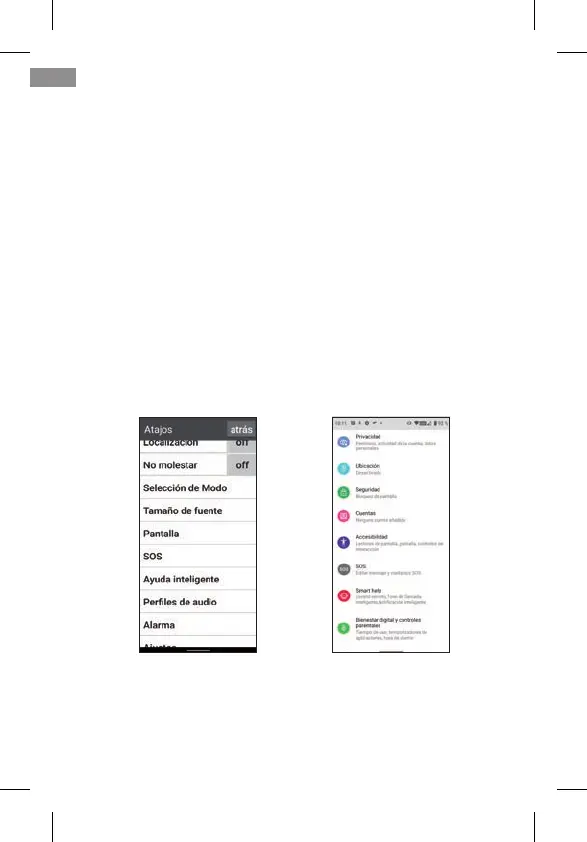
• From Easy Mode, go to Shortcuts, and then swipe down to
see and access the SOS option:
• From Normal Mode, go to Settings, and then to SOS:
• By pressing the SOS button, if the SOS function is not con-
gured, you directly access the conguration menu.
In any of the above cases, the SOS conguration menu is
accessed:
54
MODO NORMALMODO FÁCIL
EN



 To Next Page