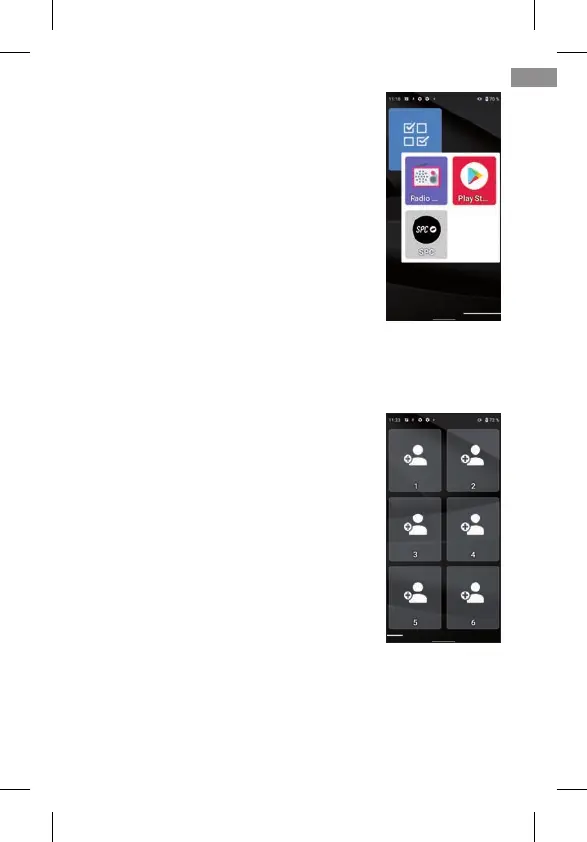
Clicking on the group, the applications it
contains will be displayed and you can
select the one you want to open:
To remove an application from the group,
tap on it, select the application with your
nger and move it out of the group to an
available slot.
2.4 FAVOURITE CONTACTS: WHERE THEY ARE, HOW TO CREATE THEM
AND HOW TO PUT A PHOTO ON THEM
On the left screen (swipe right) the con-
tacts screen is found. On this screen
you can define up to six favourite con-
tacts that you can easily access. Initia-
lly, out of the box the contacts screen
looks like this:
To add a contact, click on one of the empty boxes. A noti-
cation appears to grant access permission to telephone’s
contacts, select ALLOW:
47
EN



 To Next Page