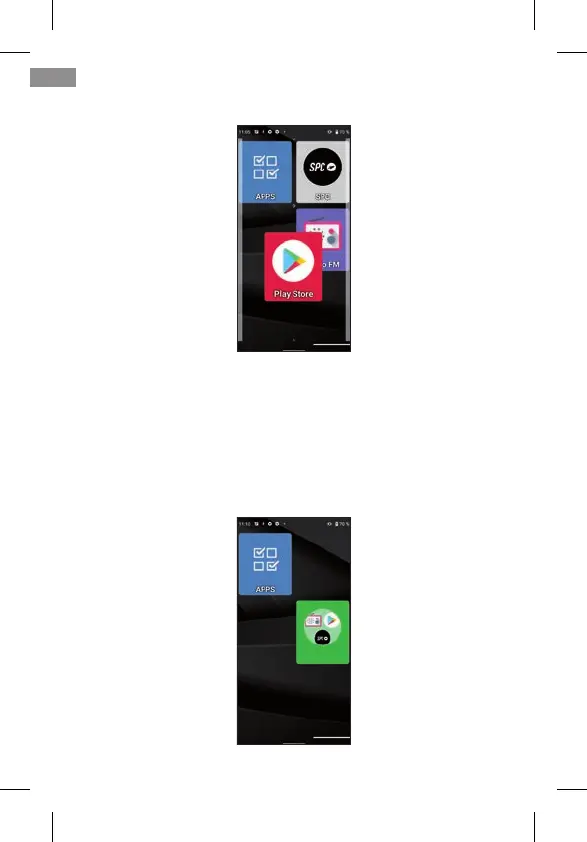
and move it to a free position:
If you want to move one of the icons to the main screen,
you must rst move one of them to another screen to make
room available.
If you move the icon on top of another, a group will be crea-
ted, an icon that will contain the applications that you have
moved to it:
46
EN



 To Next Page