The Easy Mode launcher is the one we recommend for this
telephone, as it is optimised for the characteristics of this mo-
del and allows easier and faster access to the applications
you use the most.
After reading the message and pressing Exit, the initial setup
phase of the ZEUS 4G/ ZEUS 4G PRO is complete, with the
launcher in Android Normal Mode.
2. SPC EASY MODE
2.1 ENABLE EASY MODE/APPLICATION “MODE”
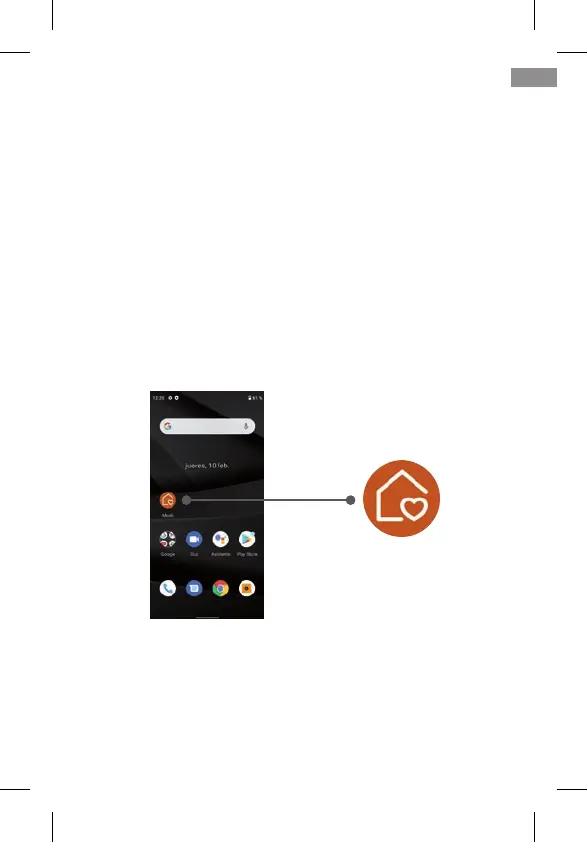
The default launcher of ZEUS 4G/ ZEUS 4G PRO is Android
Normal Mode:
On this home screen, the rst icon is the Launcher Mode se-
lection icon.
Through this application you can change the launcher to
Easy Mode. To do this, click on the Mode icon, the following
menu will appear:
39
EN



 To Next Page