40
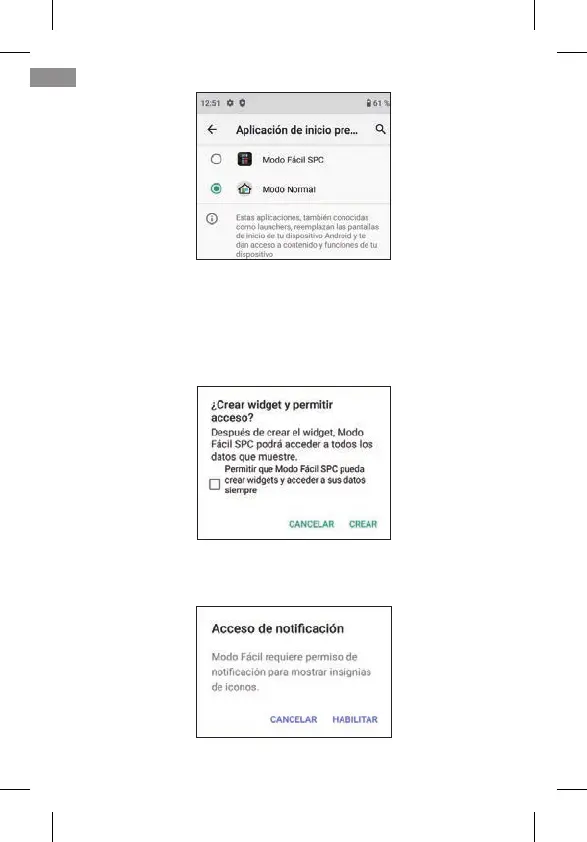
By default, Android’s Normal Mode (called Normal Mode) is
selected. Select SPC Easy Mode to switch launchers. The
application will request various access permissions that you
must accept in order for it to work correctly. The rst one is to
create the screen (“widget”) with time information:
Click on the box and click on CREATE. Another permission
request appears:
EN



 To Next Page