Click on the functionality you want to activate or deactivate.
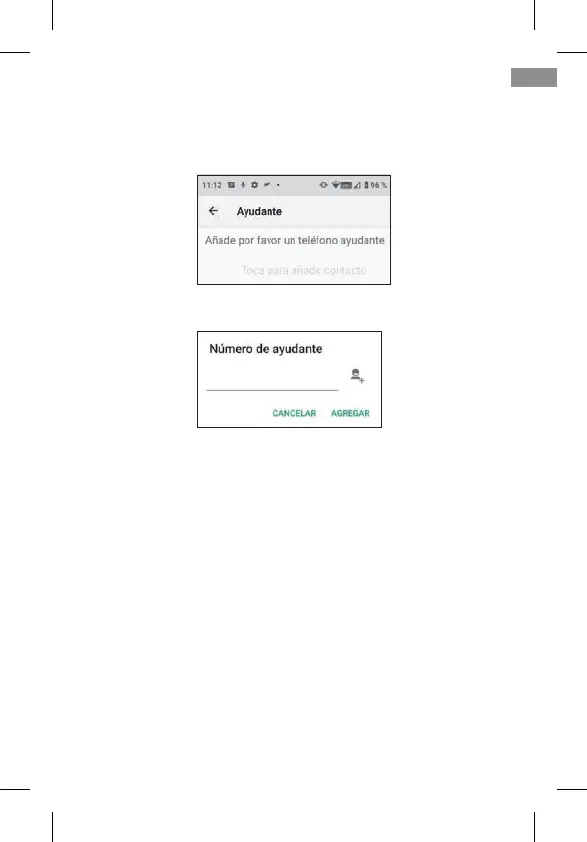
The helper telephone is the one that will receive the noti-
cations.
By clicking on it the following menu appears:
Enter the number and conrm by pressing ADD or click on the
person’s icon to select a number from your contact list.
6.3 SMART RINGER
This feature raises the ringer of a call to the maximum auto-
matically if, after a missed call, the same number calls again
in less than 3 minutes. This option is very helpful for those
who need a loud ringer level to hear an incoming call.
Click on the switch to activate or deactivate the functionality.
63
EN



 To Next Page