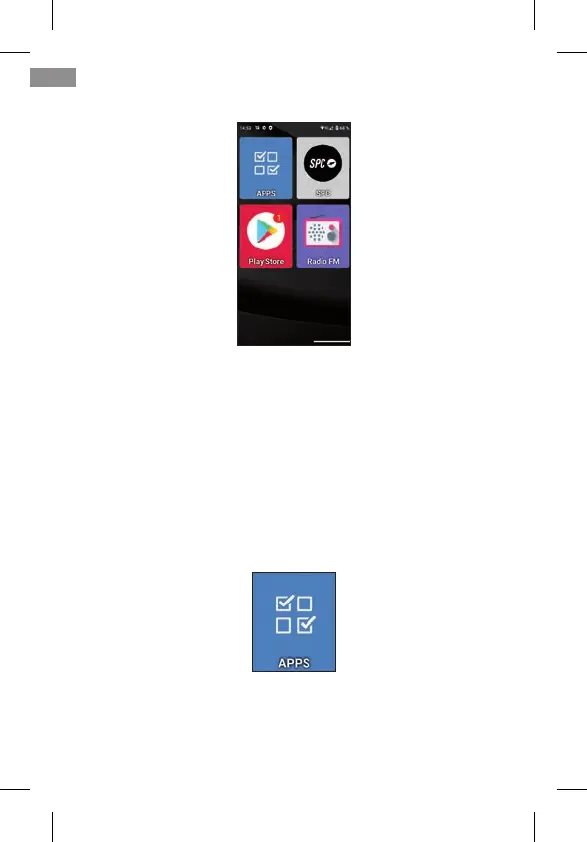
On the right is the second page of applications:
We can add more screens to the right as we add applications
to the desktop.
By default, the most used applications appear on the des-
ktop: Telephone, Contacts, Camera, Shortcuts, APPS, SPC,
Play Store and FM Radio.
One of them, APPS (Applications), is the one that manages
which applications of all of them will appear with an icon on
the desktop in Easy Mode. It has this icon:
It opens by clicking once on its icon. This screen appears:
44
EN



 To Next Page