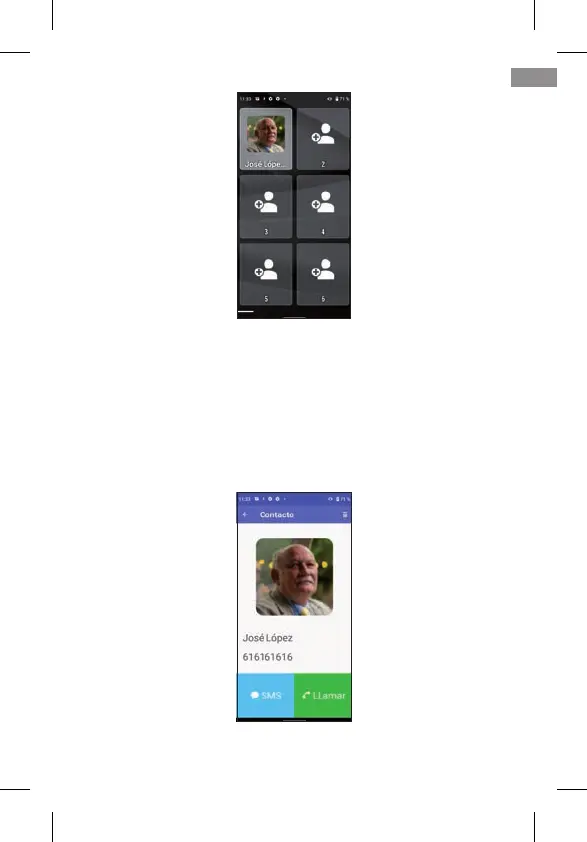
If the contact has a photo, it will appear on this screen. If you
don’t have one, you can add it from the Contacts application
by editing the corresponding contact.
You can add contacts as described. Once congured, clic-
king on one of them opens the corresponding contact,
allowing you to make a telephone call or send an SMS text
message:
NOTE: To add a favourite contact, the number must be previously
saved in the Contacts application.
49
EN



 To Next Page