TL H.264 DVR User’s Manual
12
2. System Setup
The notices and introduction on system installation will be described
particularly in this chapter. Please follow the description to operate the unit.
In order to prevent the unit from data loss and system damage that caused by
a sudden power fluctuation, use of an Uninterruptible Power Supply (UPS) is
highly recommended
2.1 Position the DVR
First, note to position / mount the DVR in a proper place and be sure to power
off the unit before making any connections. The placed location should avoid
hindering or blocking the unit from airflow. Enough airflow is needed to protect
the unit from overheating. The maximum allowable temperature of operating
environment is 40°C.
The unit utilizes heat-conducting techniques to transfer internal heat to the
case, especially to the bottom side of the unit.
NOTE: Be sure the rubber feet are not removed, and always leave a
space for air ventilation on the unit’s bottom side.
2.2 Select Video Format
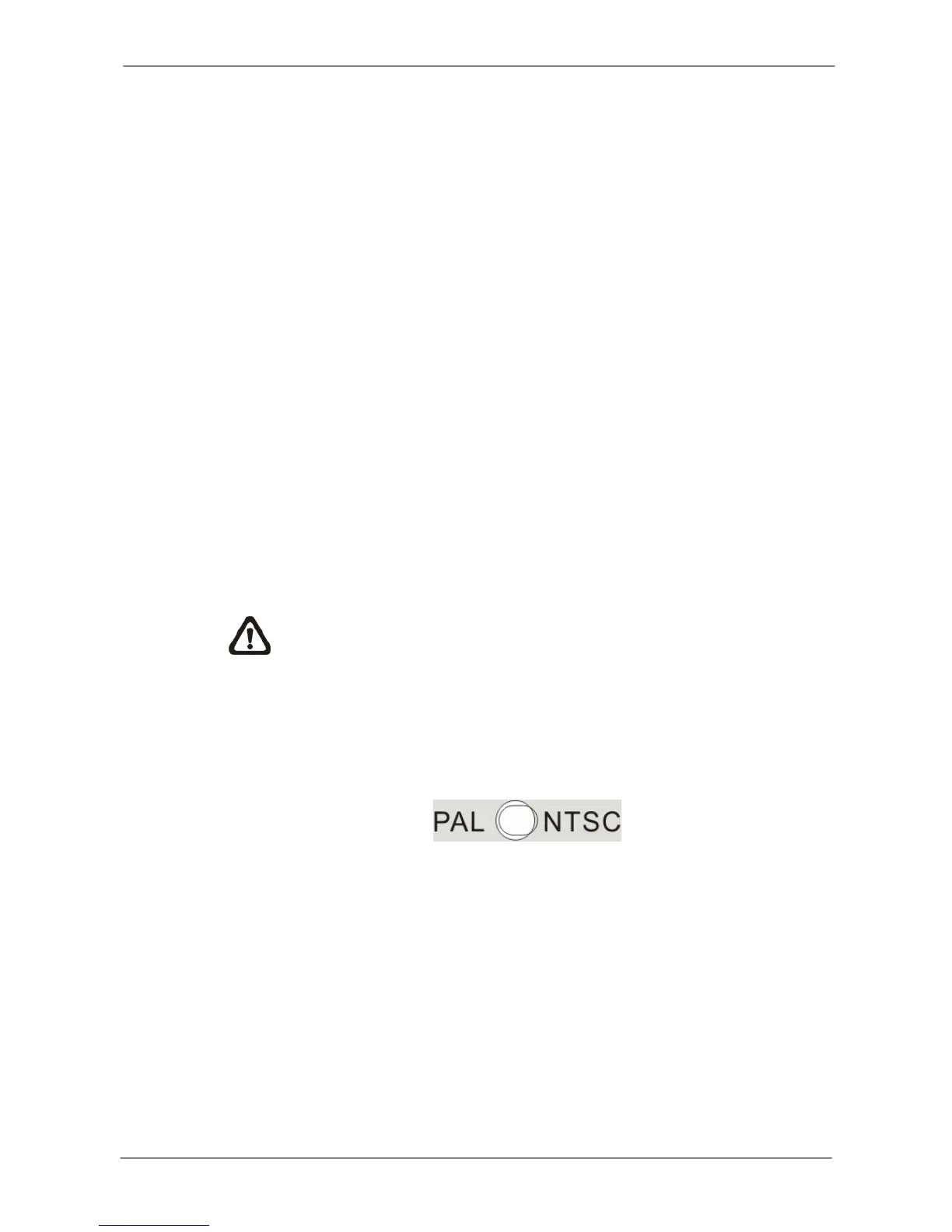
The DVR is designed to operate under either NTSC or PAL video formats.
The switch is on the rear panel.



 To Next Page