TL H.264 DVR User’s Manual
57
Host Name
The item allows users to setup a domain name, which is used for entering
DVR-4TL/8TL/16TL through internet on the remote PC.
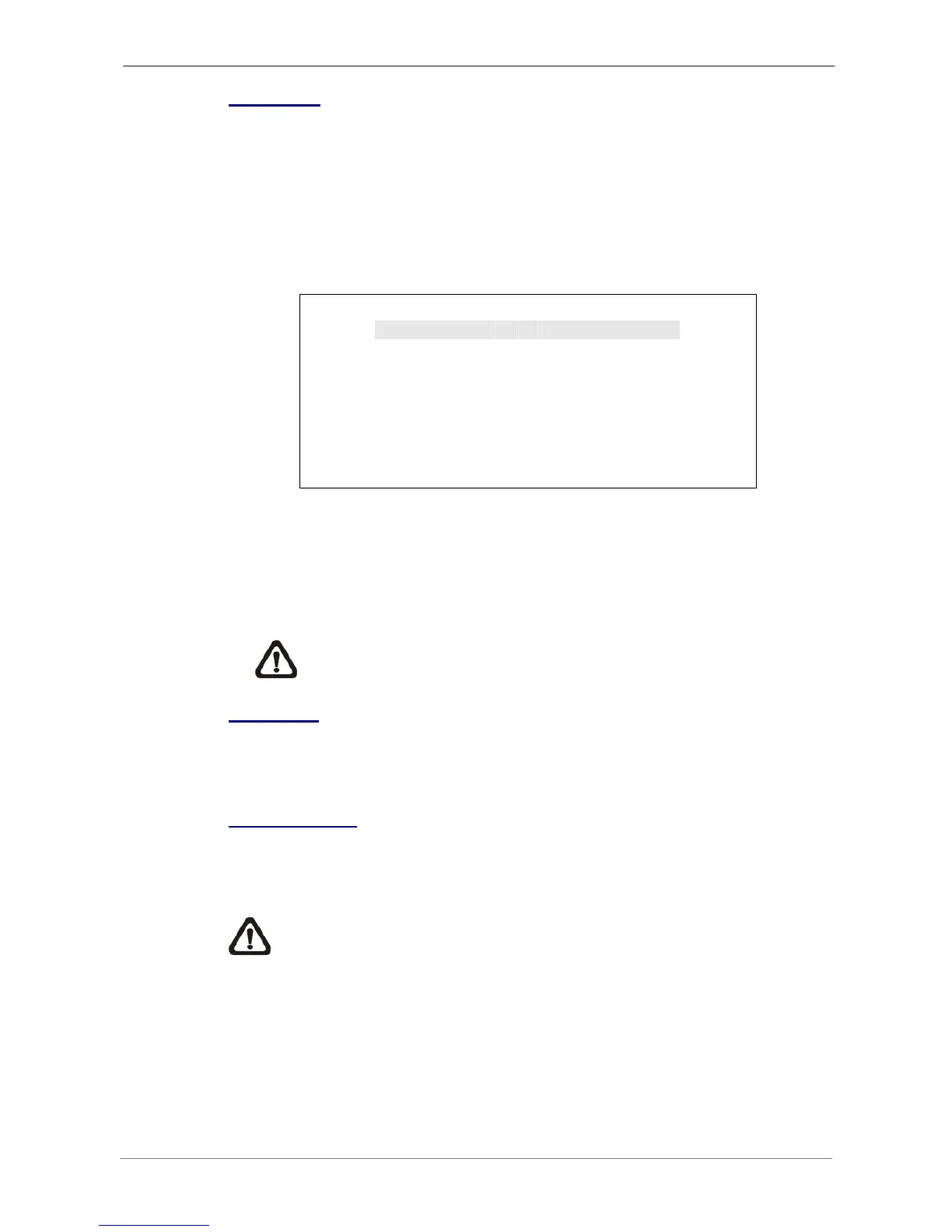
To setup the host name of the DVR, follow the steps.
• Select <Host Name> from DDNS Setup menu and press ENTER. A virtual
keyboard displays as below.
Host Name
A B C D E F G H I J K L M
N OPQRSTUVWXYZ
a b c d e f g h i j k l m
n o p q r s t u v w x y z
0 123456789
.
!@
# − _,“+=*
◄ ► Backspace Delete
Cancel OK
• Use Direction keys to select character.
• Press ENTER to add the selected character to the entry field
• When it’s done, move the cursor to <OK> and press ENTER to save the
settings and exit.
NOTE: Each DVR-4TL/8TL/16TL should have a unique host name.
DDNS Port
The item allows users to setup the port for DDNS. Press UP / DOWN
Direction keys to change the port.
Submit/ Update
When the settings are finished, move the cursor to this item and select <Yes>
to submit the settings.
NOTE: If more than one DVR-4TL/8TL/16TL has the same domain
name, only the first one will be submitted successfully.



 To Next Page