TL H.264 DVR User’s Manual
77
5.6.8.3 Motion Detect
This item allows users to enable or disable motion detection function of
DVR-4TL/8TL/16TL. Select <ON> to enable Motion Detect alarm events, or
<OFF> to disable. If motion detection function is enabled, it is required to
define motion detection parameters such as detection area and sensitivity
settings in <Detection Config>.
5.6.8.4 Motion Detect Indicator
This item allows users to display/ hide the motion detection indicators. Select
<ON> to display the indicators, or <OFF> to hide them.
5.6.8.5 Detection Config
If motion detection function is enabled, it is required to define the motion
detection parameters such as detection area and sensitivity settings. Select a
channel for setting the parameters, move the cursor to <Detection Config>
and press ENTER. The Detection Configuration menu displays as follows.
Detection Config
1. Detected Area Setup
2. Sensitivity
3. Block Threshold
88%
4
Detected Area Setup
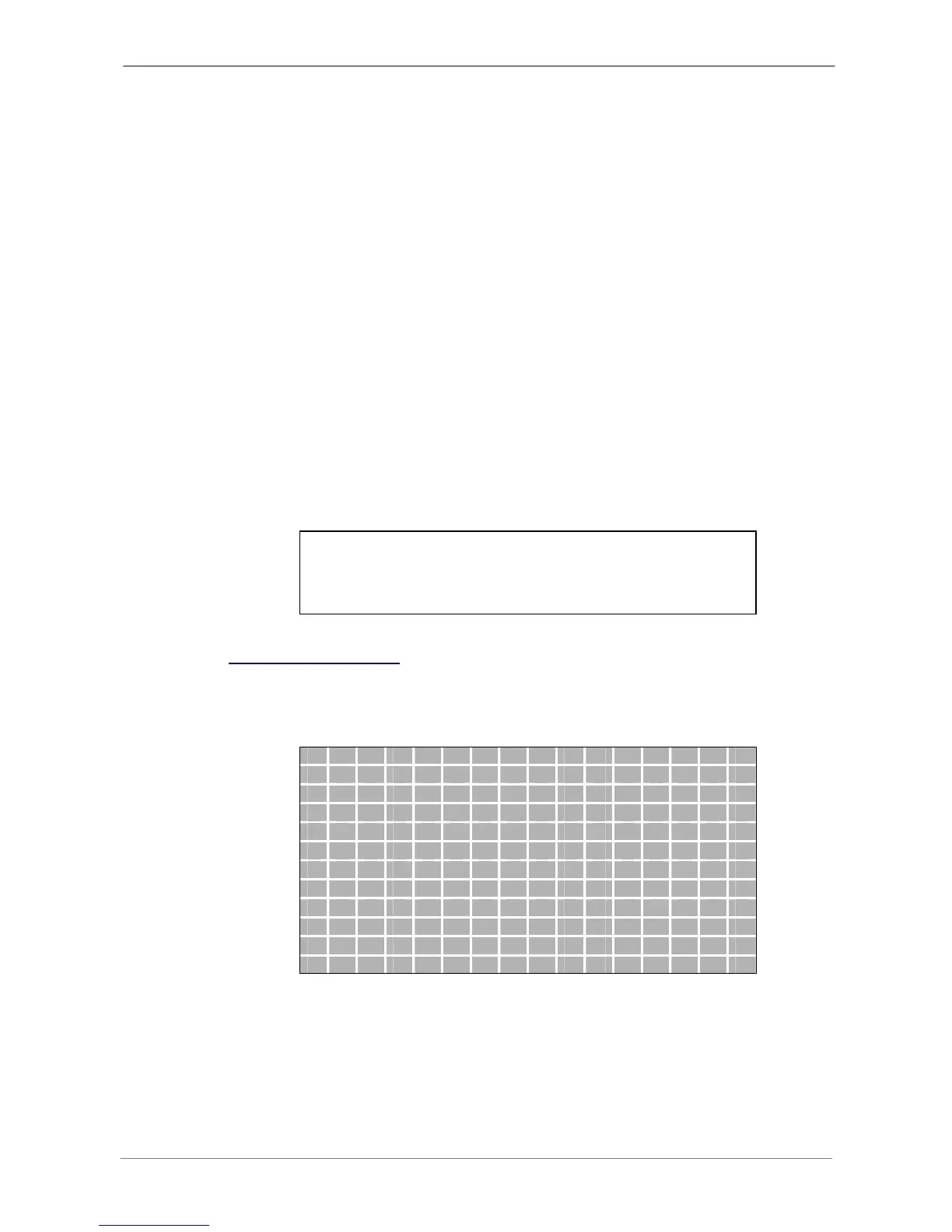
After selected this item, the detected area is displayed as follows. The
detection area consists of 192 (16×12) detection grids.
Use the Direction keys to move the cursor and press ENTER to select or
de-select a grid. Press MODE to select all of the grids for detection; press
MODE again to de-select all of the grids.



 To Next Page