36
3. Set the schedule of the region entrance detection. The setup steps of the schedule are the same as schedule recording setup (See
Schedule Recording).
5.5.5 Region Exiting
Region Exiting: Alarms will be triggered if the target exits from the pre-defined areas.
Go to ConfigAnalyticsRegion Exiting interface as shown below.
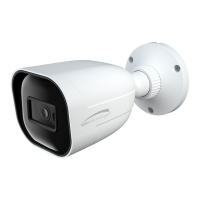
1. Enable region exiting detection, select the snapshot type and the detection target and set the alarm holding time and alarm
trigger options. The detection setup steps are the same as line crossing detection. Please refer to the detection configuration of line
crossing detection for details.
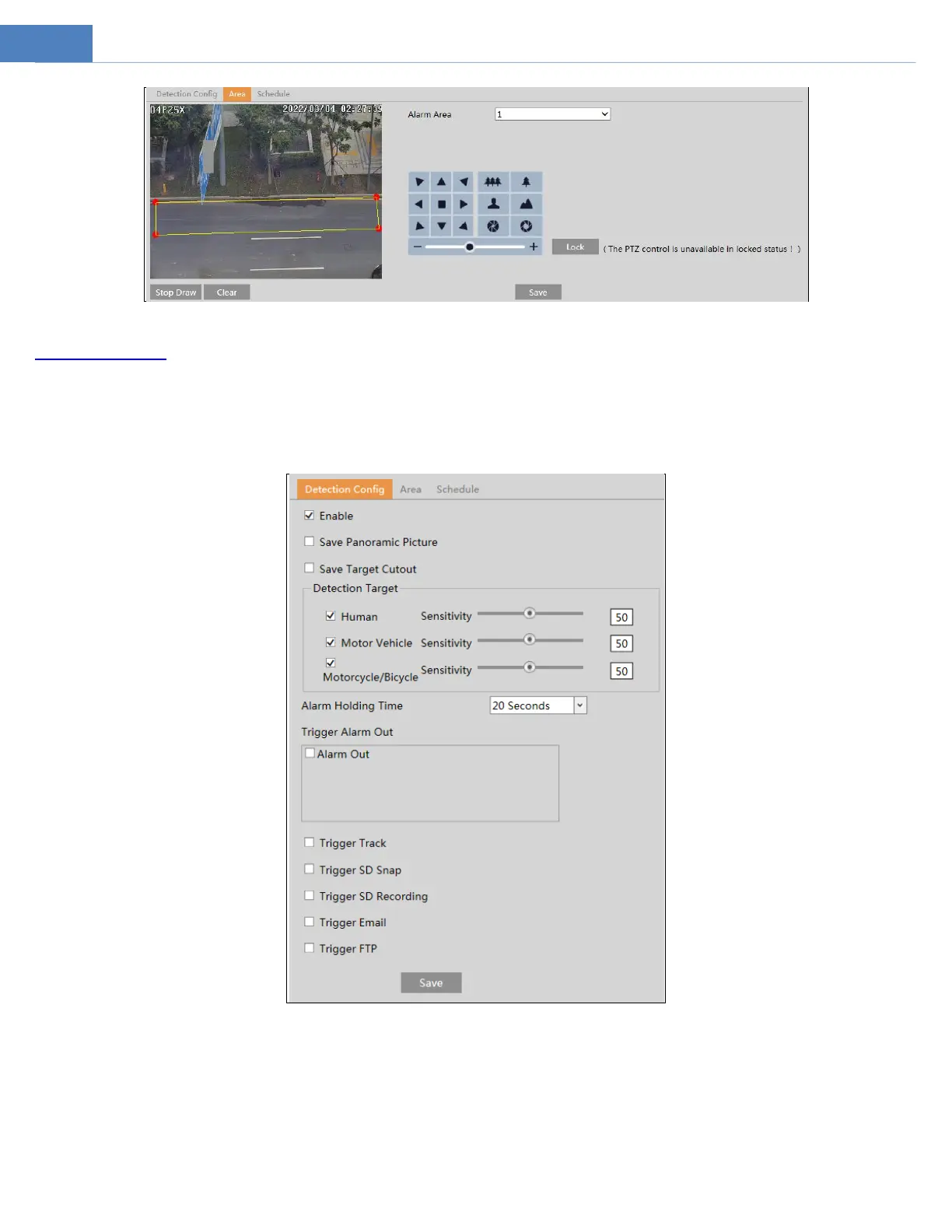
2. Set the area of region entrance detection. The area setup steps are the same as intrusion detection. Please refer to the area
configuration of intrusion detection for details.



 To Next Page