37
3. Set the schedule of the region exiting detection. The setup steps of the schedule are the same as schedule recording setup (See
Schedule Recording).
5.5.6 Target Counting
This function is to calculate the number of the people or vehicles crossing the alarm line through detecting, tracking and counting
the shapes of the people or vehicles.
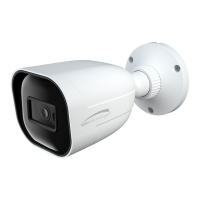
1. Go to ConfigAnalyticsTarget Counting as shown below.
2. Enable target counting and select the snapshot type and the detection target.
Detection Target: Select the target to calculate. Human, motor vehicle and motorcycle/bicycle can be selected.
Counting Reset: The current number of the target counting can be reset. You can choose to reset the counting daily, weekly or
monthly. Click “Reset” to manually reset the current number of crossing line people/car/bike counting.
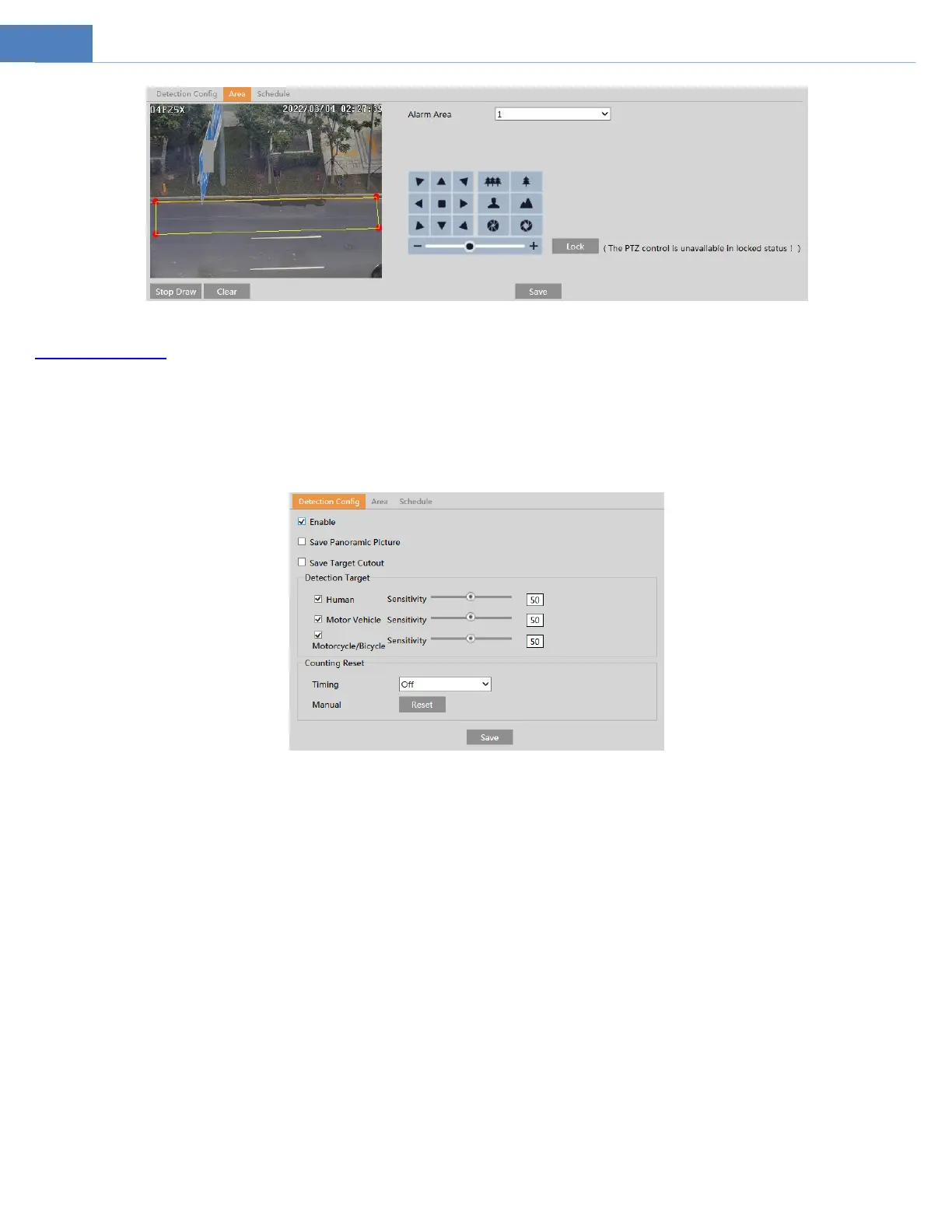
3. Set the area of the target counting. Click the “Area” tab to go to the interface as shown below.



 To Next Page