49
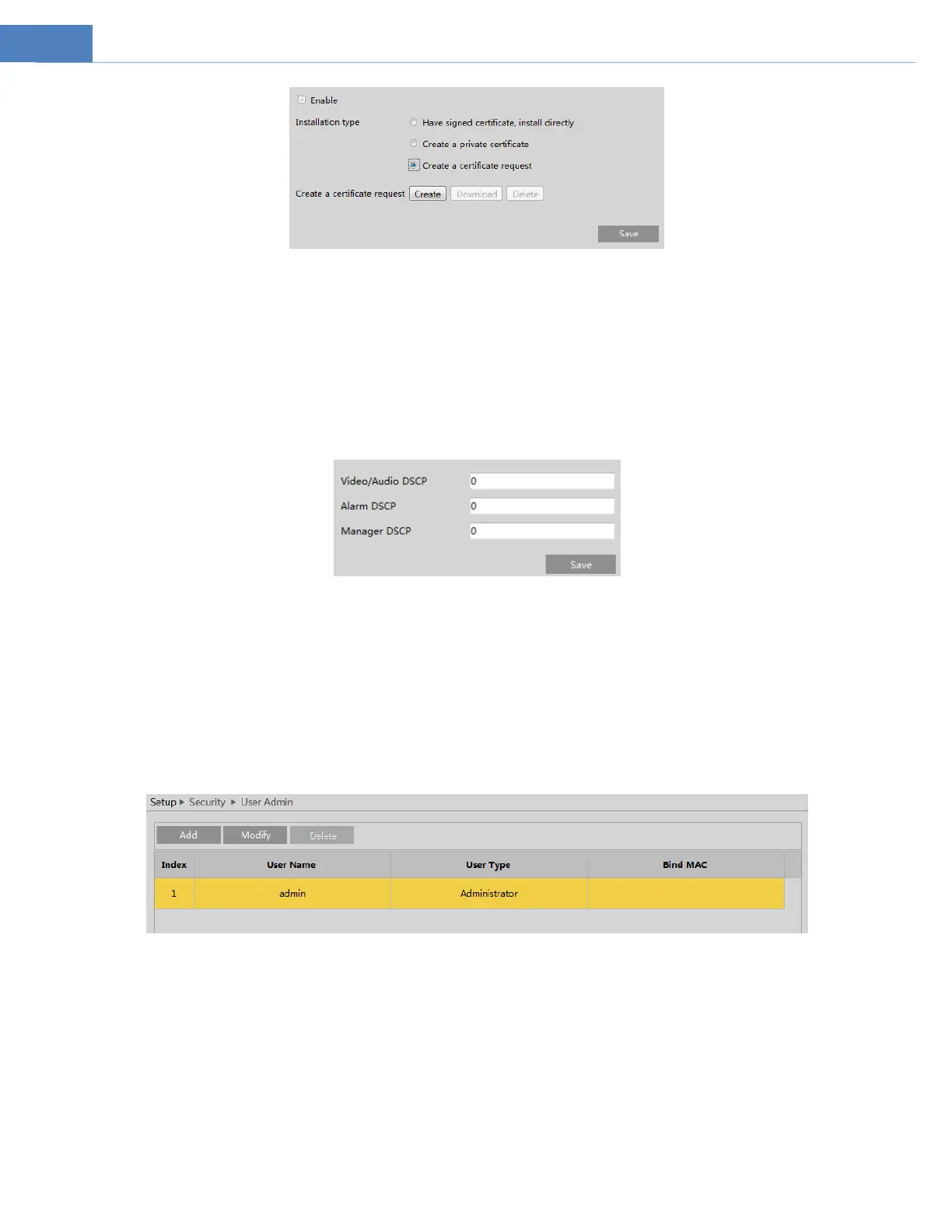
Click “Create” to create the certificate request. Then download the certificate request and submit it to the trusted certificate
authority for signature. After receiving the signed certificate, import the certificate to the device.
5.6.12 QoS
QoS (Quality of Service) function is used to provide different quality of services for different network applications. With the deficient
bandwidth, the router or switch will sort the data streams and transfer them according to their priority to solve the network delay
and network congestion by using this function.
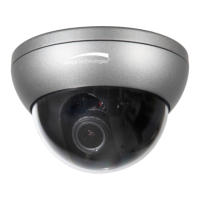
Go to Network SetupProts/ConnectionsQoS.
Video/Audio DSCP: The range is from 0 to 63.
Alarm DSCP: The range is from 0 to 63.
Manager DSCP: The range is from 0 to 63.
Generally speaking, the larger the number is, the higher the priority is.
5.7 Security Configuration
5.7.1 User Admin
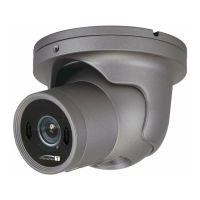
Go to SecurityUser Admin interface as shown below.
Add user:
1. Click “Add” to pop up the following textbox.



 To Next Page