30
5.5 Analytics Configuration
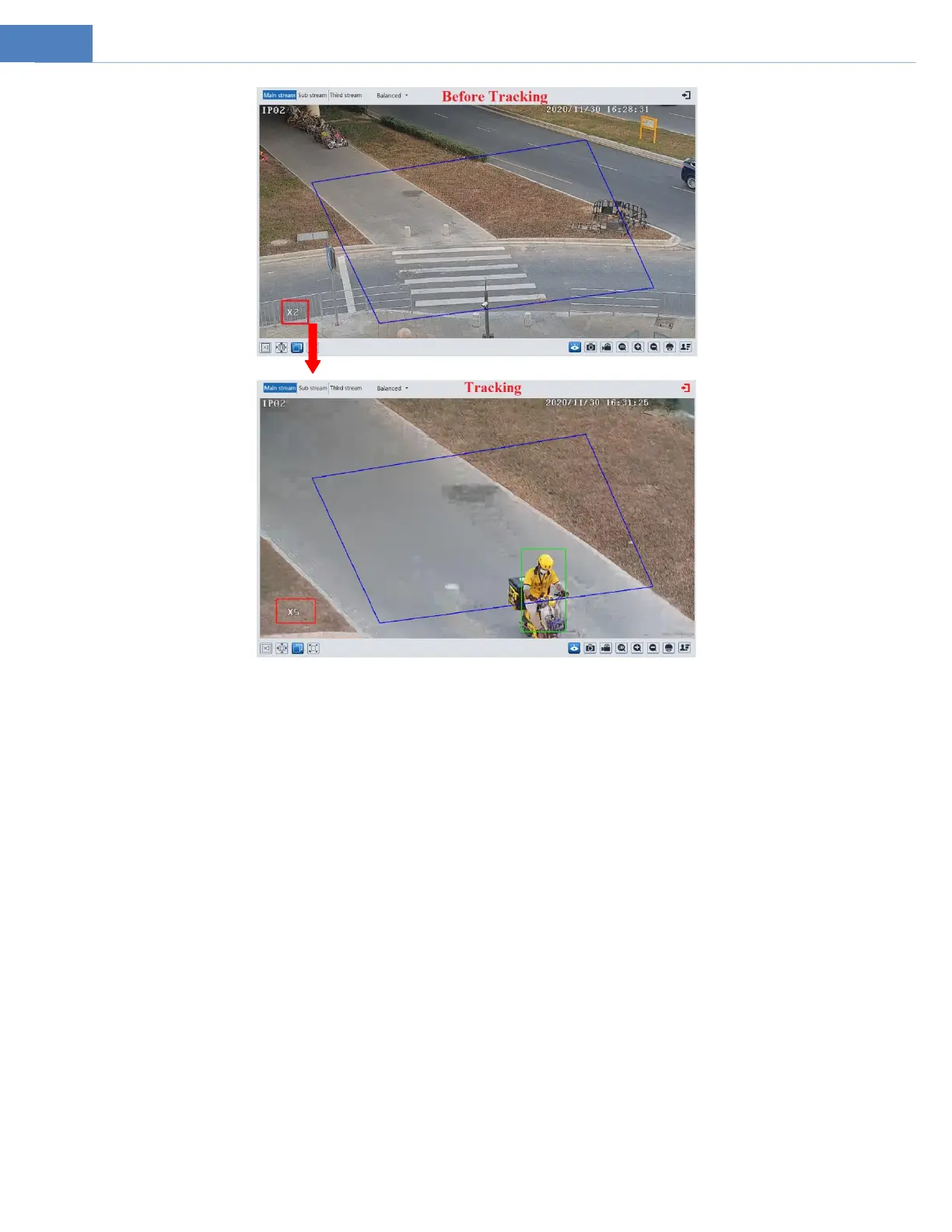
This series of IP cameras supports certain smart functions, such as line crossing detection, region intrusion detection, etc. These
events can be triggered as alarm events.
For more accuracy, here are some recommendations for installation.
Cameras should be installed on stable surfaces, as vibrations can affect the accuracy of detection.
Avoid pointing the camera at the reflective surfaces (like shiny floors, mirrors, glass, lake surfaces and so on).
Avoid places that are narrow or have too much shadowing.
Avoid scenario where the object’s color is similar to the background color.
At any time of day or night, please make sure the image of the camera is clear and with adequate and even light, avoiding
overexposure or too much darkness on both sides.
5.5.1 Abnormality
This function can detect changes in the surveillance environment affected by the external factors.
Go to AnalyticsAbnormality interface as shown below.



 To Next Page