5
Target counting indicator
SD card recording indicator
: Move the cursor to view the live image in all direction after you click this button. Additionally, hold and drag the left mouse
button to zoom in the live image.
All indicator icons above will flash in live view interface only when the corresponding events are enabled.
In full screen mode, to exit, double click on the mouse or press the ESC key on the keyboard.
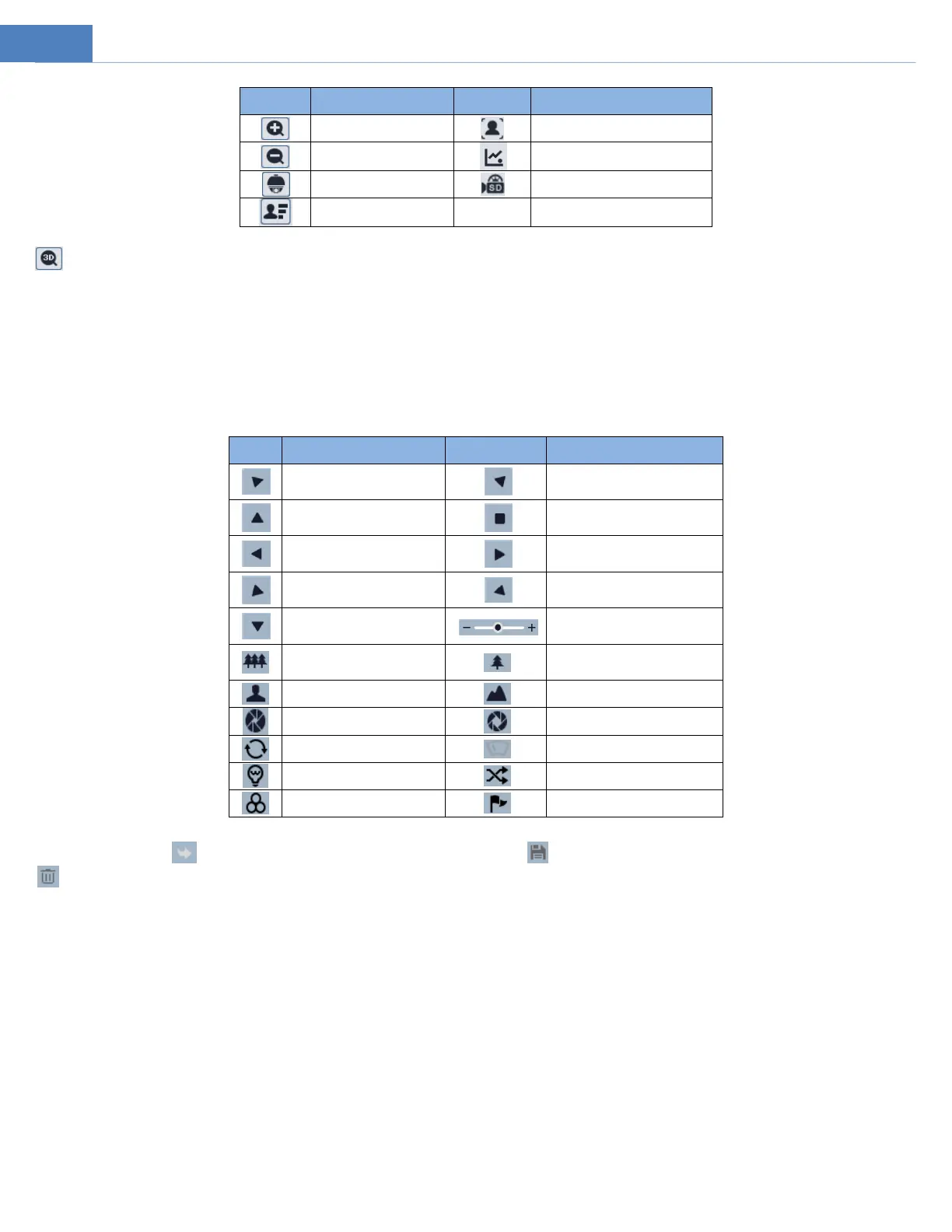
The camera can be installed in a compatible external PTZ enclosure through RS485. Click the PTZ icon to reveal the PTZ control panel.
The descriptions of the control panel are as follows:
Select preset and click to call the preset. Select and set the preset and then click to save the position of the preset. Select the set preset and click
to delete it.
Move upper left direction
Move upper right direction
Move lower left direction
Move lower right direction



 To Next Page