Initial installation
Before you can use the sound system you need
to assign the inputs to the connected source
devices. You will be asked to do this when you rst
switch the device on.
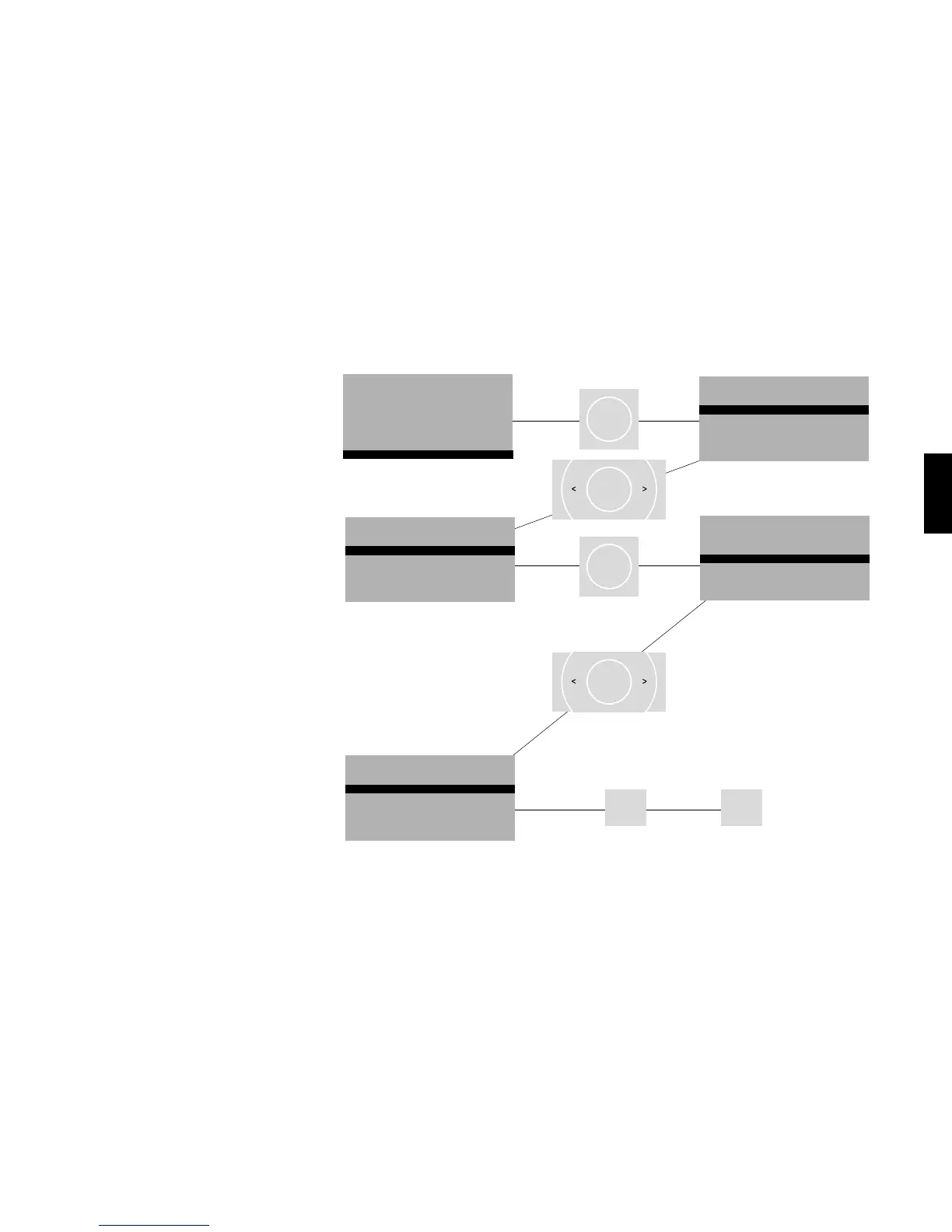
To get to the input conguration press „ok“.
Use the “<” and “>” arrow keys to choose names for
the connected devices. You must conrm these
by pressing “ok”.
To exit the input cong menu press „m“ to save
all the entries. Then press „exit“ to end the initial
installation and return to the main menu.
Please note: The arrow keys „up“ and „down“ may
not be used when assigning the inputs.
Inputs that are dened as “not active” are not shown
in the main menu.


 To Next Page
 Loading...


