50
Main menu
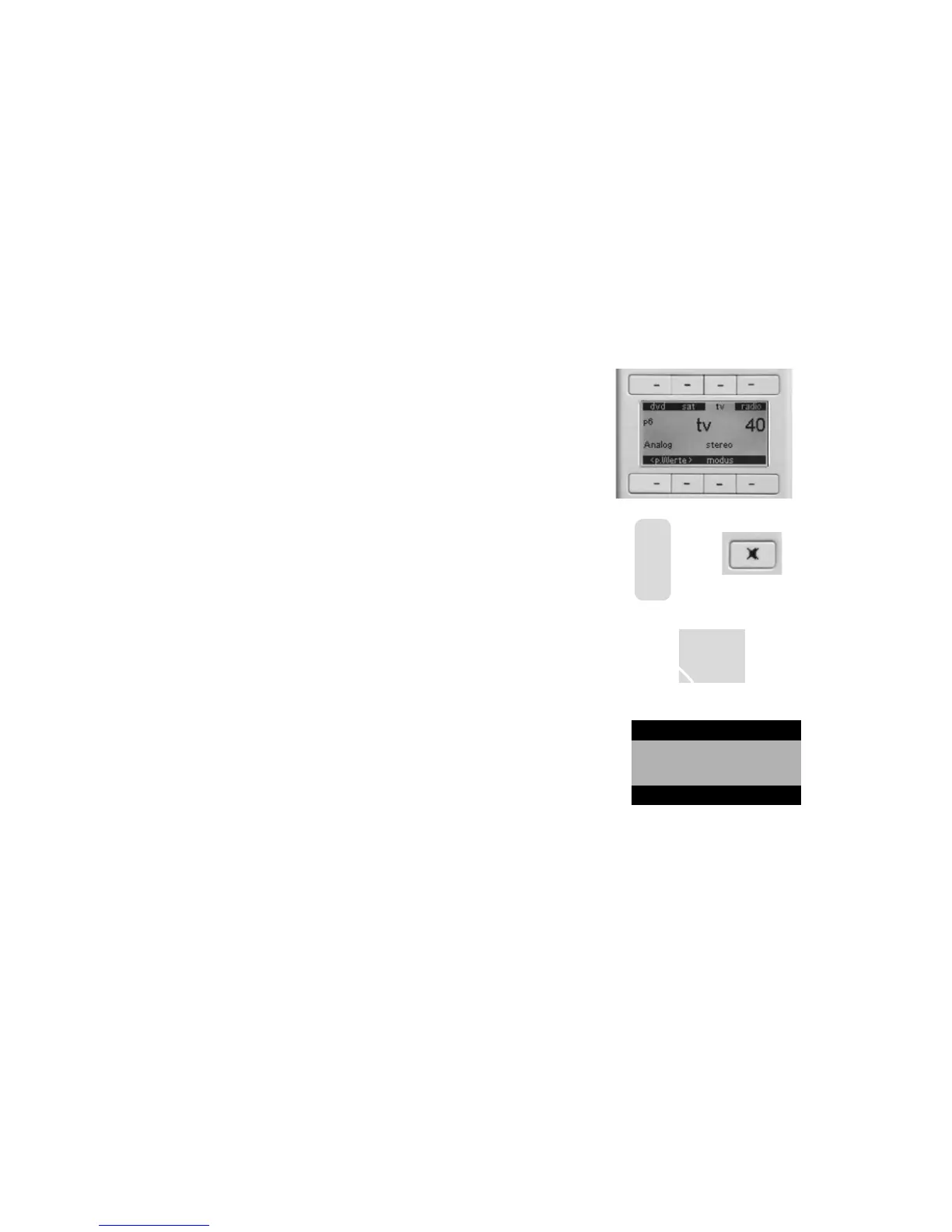
The remote control supplied has 8 function keys that can be used in dierent
ways for dierent operating modes. The upper and lower sections of the display
show the functions of each key.
The sources can be selected using the (upper) function keys lying directly above
them. If you have more than 3 sources you can use the scroll key to scroll on to
the next page and back.
The Volume (V+/-) can be used to adjust the volume of the sound system in all
menus (even when controlling IR devices) over 100 levels from 0 to 99.
Mute turns the volume o or on.
With <select> you can select one of the registered RF devices or a programmed
IR device. If more than 8 devices have been registered/programmed you can use
the scroll key to scroll to the devices that are not currently displayed.
With <preset> you can select your personal settings (6 memory cells) set in the
loudspeaker menu (refer to page 51).
+
V
-



 To Next Page