EasyManua.ls Logo

Spectral BRA2 - User Manual

Spectral BRA2
68 pages
Go to English
Print Icon
To Next Page IconTo Next Page
Loading...
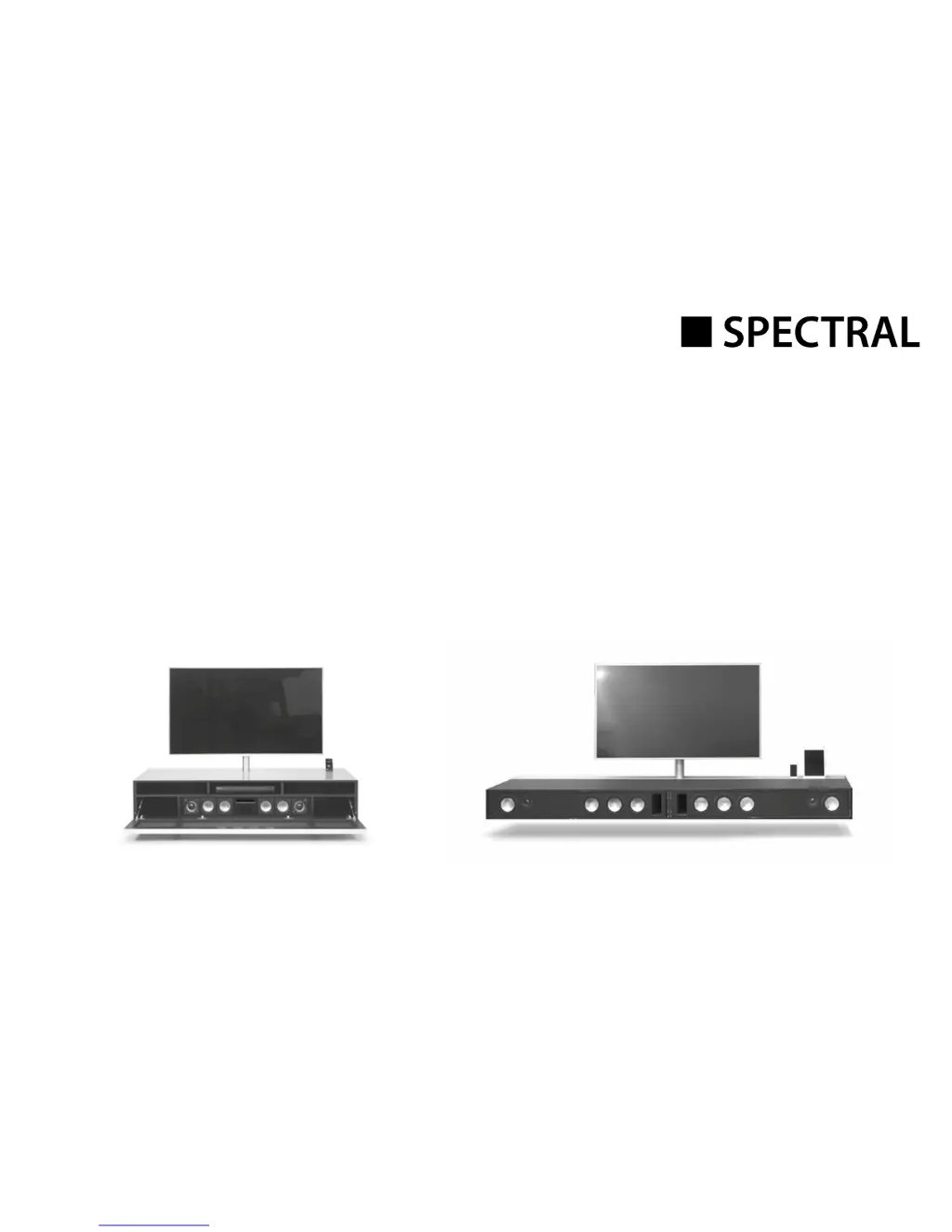
Active Virtual Surround System
BRA2 / VRA2
Artikel-Nr.: AN1026
Bedienungsanleitung
Operating Instructions

Questions and Answers

  • S
    sean36Aug 18, 2025
    Why is no TV sound audible over HDMI (ARC) on my Spectral Speaker System?
    • A
      Adam BaldwinAug 18, 2025
      There might be a couple of reasons why you're not getting TV sound over HDMI (ARC) on your Spectral Speaker System: * Your TV might not support the ARC function. If this is the case, use one of the digital inputs (OPT or COX) on the sound system instead. * You might be using the wrong HDMI port on your TV. Ensure you're using the HDMI port marked with ARC.
  • L
    lmccarthyAug 20, 2025
    What to do if my Spectral Speaker System does not turn on?
    • M
      Mary DavisAug 20, 2025
      If your Spectral sound system isn't turning on, the power cable might not be properly connected to the power outlet or the sound system itself. Check the connection to ensure it is properly connected.
  • E
    Evan BakerAug 23, 2025
    Why is playback using Bluetooth wireless technology not possible on my Spectral BRA2 Speaker System?
    • J
      Jack OconnellAug 23, 2025
      Several factors can prevent Bluetooth playback on your Spectral Speaker System: * There might be no connection between the sound system and your mobile device. Connect your mobile device. * If connected, try reconnecting the mobile device. * The volume on your mobile device might be too low. Adjust it to the maximum level. * Increase the volume on the sound system. * Interference from devices like wireless routers or laptops nearby could be the issue. Ensure such devices are not close to the sound system. * Simultaneous WiFi and Bluetooth operation might cause interference. Disable WiFi on your mobile device. * You might be out of range (max. 10m). Reduce the distance between the sound system and the mobile device.
  • H
    Hailey StuartAug 26, 2025
    What to do if the Spectral BRA2 does not respond to the remote control?
    • S
      Sheryl EvansAug 26, 2025
      If your Spectral Speaker System isn't responding to the remote control, it could be due to a flat battery. Try changing the battery. Alternatively, check if the protective film is still on the remote control and remove it.
  • X
    xkellyAug 27, 2025
    How to stop Spectral sound system from humming?
    • R
      Roger LambertAug 28, 2025
      Humming in your Spectral sound system can be caused by several factors: * If the signal line from the amplifier to the SCA3-system is too long, use a shorter one. * If the signal line used is not fault-protected or is defective, change it for a fault-protected line. * A ground loop might be generated. Ensure all devices connected to the amplifier are plugged into the same multiple socket outlet. * Interference from other equipment on the same circuit might be the cause. Switch off possible sources of interference to test, or connect the source of interference to a different circuit. You can also insert a special “ferrite common mode filter” between the amplifier and the sound system or disconnect and rotate the mains plug.
  • S
    Samuel RamseyAug 30, 2025
    Why is there no sound or the volume is too low on my Spectral BRA2 Speaker System?
    • L
      Lisa JonesAug 30, 2025
      If you're experiencing no sound or low volume on your Spectral Speaker System, consider these possibilities: * The source device might not be outputting a signal, or the volume is set too low on that device. Unlock the output and/or increase the volume on the source device. * The cable might not be correctly connected, or it could be defective. Check the connection on the device to the sound system and replace the cable if necessary. * If using an optical cable, ensure the protective cap has been removed from the plug.
  • E
    Emily MorrisSep 2, 2025
    Why does my Spectral Speaker System not automatically switch to the BT input?
    • S
      Steven LambertSep 2, 2025
      If your Spectral sound system isn't automatically switching to the BT input, it could be due to a few reasons: * The SEL function is disabled (MAN). Enable the SEL function (AUT). * Bluetooth might be disabled on your mobile phone. Enable Bluetooth on your mobile phone. * The sound system might be connected to another mobile phone. Turn off Bluetooth on the other mobile phone. * Your mobile phone might not be connected to the sound system. Connect your mobile phone to the sound system.
  • R
    Ricky TurnerSep 4, 2025
    Why doesn't the Spectral BRA2 automatically switch on for the optical and coaxial input?
    • A
      Ashley OlsonSep 4, 2025
      If your Spectral device isn't automatically switching on for the optical and coaxial input, it could be because: * The AUT function is initially disabled (OFF). Activate the AUT function (ON). * The device has been put in standby mode via the „“Power““ button. Turn on the device using the „“Power““ button on the remote and wait until it automatically goes into standby mode. * The device was switched to the other digital input which has no signal and has turned off automatically. Turn on the device using the „“Power““ button on the remote and select the digital input to which the desired source device is connected.
  • S
    Sara JenkinsSep 7, 2025
    Why is CEC control not working or only partially working on my Spectral BRA2?
    • W
      William CortezSep 7, 2025
      If CEC control isn't working or is only partially functional on your Spectral Speaker System, it might be because: * The CEC function is initially disabled (OFF). Activate the CEC function (ON). * The source device or TV might not support CEC or use a different protocol. Use only devices that support the CEC protocol in an unmodified version.
  • A
    Abigail MccarthySep 9, 2025
    Why is only the BT input selectable on my Spectral BRA2?
    • C
      Colleen ThomasSep 9, 2025
      If only the BT input is selectable on your Spectral Speaker System, it's likely because the (physical) inputs have been disabled. Assign the inputs used the desired names (not „“---““).

Summary

Safety advice

Unpacking

Breaking in

Process to optimize sound quality for new loudspeakers.

Setting up the remote control

Instructions for preparing and using the remote control.

Connection terminal

Connections

Connecting the loudspeakers

Operation

Playback via Bluetooth

Display

Setup functions

Automatic on;off function (AUT)

Enables automatic device power-on/off based on signal detection.

CEC (Consumer Electronics Control)

ECO Stand By (ECO)

Automatic selection of the BT input (SEL)

Restore factory settings; Reset (RES)

Configuring the inputs (INP)

IR learning function

IR delete function

Troubleshooting

Technical Specifications

EU - Declaration of Conformity

Further important information

FCC Statement

FCC Radiation Exposure Statement

MPE Reminding

Warranty

Spectral BRA2 Specifications

General IconGeneral
BrandSpectral
ModelBRA2
CategorySpeaker System
LanguageEnglish

Related product manuals