EasyManua.ls Logo

Spectral BRA2 - User Manual

Spectral BRA2
68 pages
Go to English
Print Icon
To Next Page IconTo Next Page
Loading...
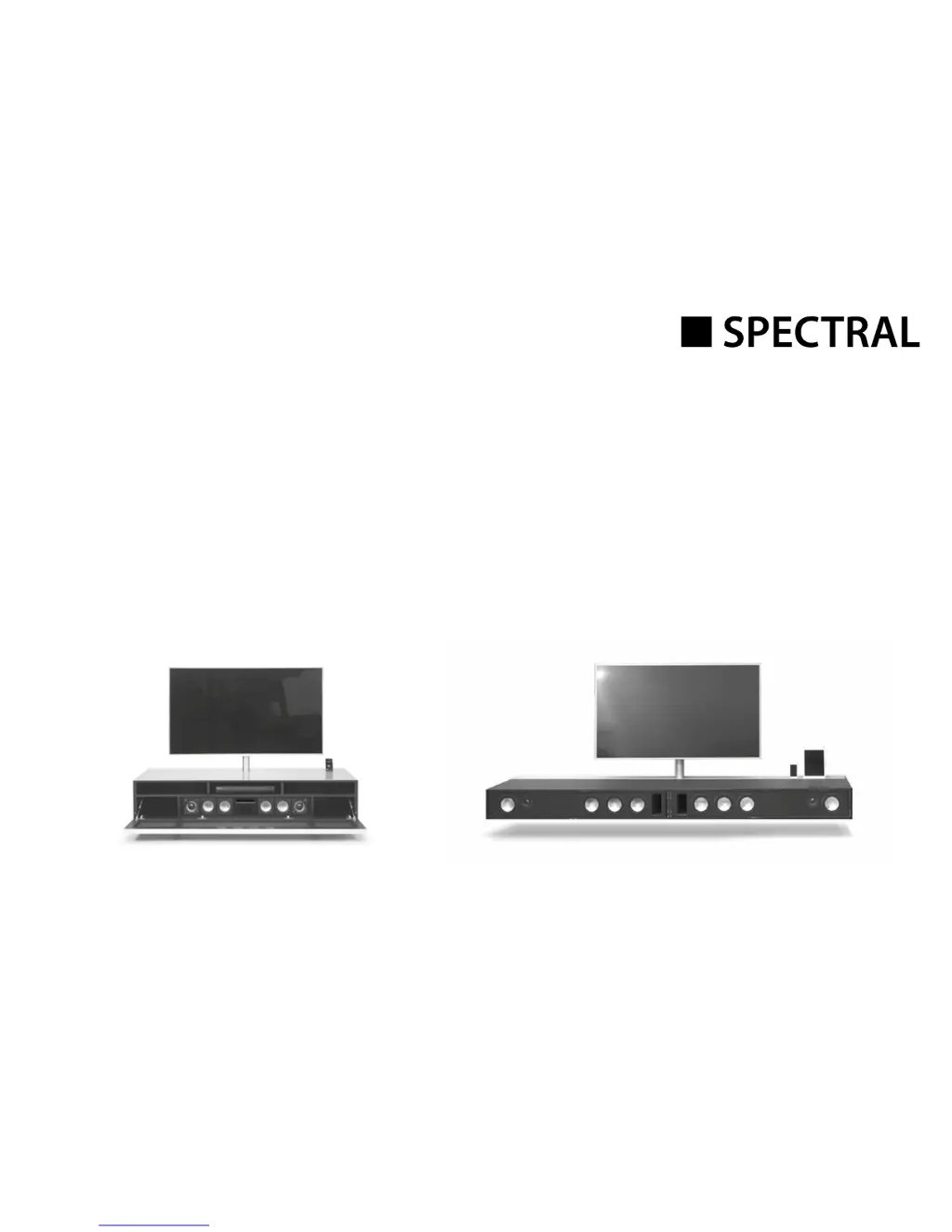
Active Virtual Surround System
BRA2 / VRA2
Artikel-Nr.: AN1026
Bedienungsanleitung
Operating Instructions

Questions and Answers

  • K
    Kathy BarrSep 12, 2025
    Why does my Spectral sound system inadvertently switch to the BT input?
    • S
      Sarah WhiteSep 12, 2025
      Your Spectral sound system might inadvertently switch to the BT input if your mobile device emits system sounds, such as keyboard typing. To prevent this, disable the SEL function (MAN) and disable these system sounds on your mobile device.
  • R
    Richard KaiserSep 14, 2025
    Why is the BT input not selectable via the Input button on my Spectral BRA2?
    • M
      Michael GutierrezSep 14, 2025
      If the BT input isn't selectable via the „“Input““ button on your Spectral Speaker System, the SEL function is likely enabled (AUT). In this case, switching is performed automatically as soon as the sound system detects an audio signal from the mobile device.

Summary

Safety advice

Unpacking

Breaking in

Process to optimize sound quality for new loudspeakers.

Setting up the remote control

Instructions for preparing and using the remote control.

Connection terminal

Connections

Connecting the loudspeakers

Operation

Playback via Bluetooth

Display

Setup functions

Automatic on;off function (AUT)

Enables automatic device power-on/off based on signal detection.

CEC (Consumer Electronics Control)

ECO Stand By (ECO)

Automatic selection of the BT input (SEL)

Restore factory settings; Reset (RES)

Configuring the inputs (INP)

IR learning function

IR delete function

Troubleshooting

Technical Specifications

EU - Declaration of Conformity

Further important information

FCC Statement

FCC Radiation Exposure Statement

MPE Reminding

Warranty

Spectral BRA2 Specifications

General IconGeneral
BrandSpectral
ModelBRA2
CategorySpeaker System
LanguageEnglish

Related product manuals