48
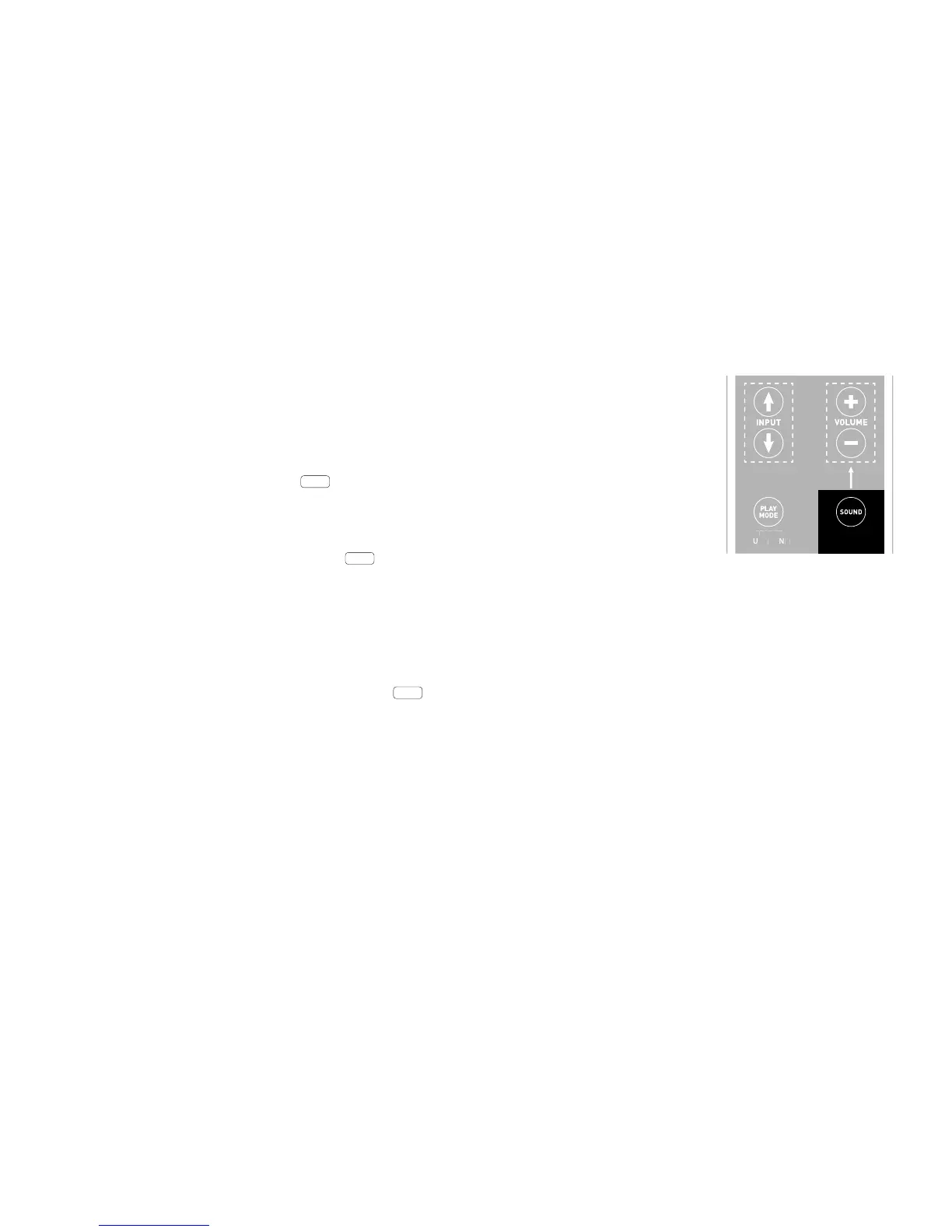
If you press and hold the key marked « Sound » on the remote control for longer than 3 seconds you will enter
the « Extended functions » menu and the display LIP will appear on the sound system.
You can now use the „Volume +/-“ keys to delay the playback in 10 ms steps.
Press the « Sound » key briey once more and the display sub will appear.
The „Volume +/-“ keys can also be used to switch the output for an external subwoofer on or o. Please note:
when the Sub-Out is activated the playback of the sound system will be ltered at 80 Hz.
Frequencies below 80 Hz are sent to the external subwoofer.
Press the « Sound » key again briey one more time and the display EQ will appear.
Now use the „Volume +/-“ keys to choose between three pre-set equalizer settings to adjust the playback to suit
the location.
Extended sound functions
The menu for extended sound functions oers you the chance to correct out-of-synch playback, to activate the out-
put for an external subwoofer, to adjust the playback to suit the selected location and to switch the Dolby function «
Dynamic Range Compression » on or o.



 To Next Page