Playback via Bluetooth®
Registration requirements
- Bluetooth® must be activated
on the mobile end device
- The mobile end device must
support Bluetooth® 2.0 at least
- The mobile end device must
be within range of the sound system (max. 10 m)
Registration process
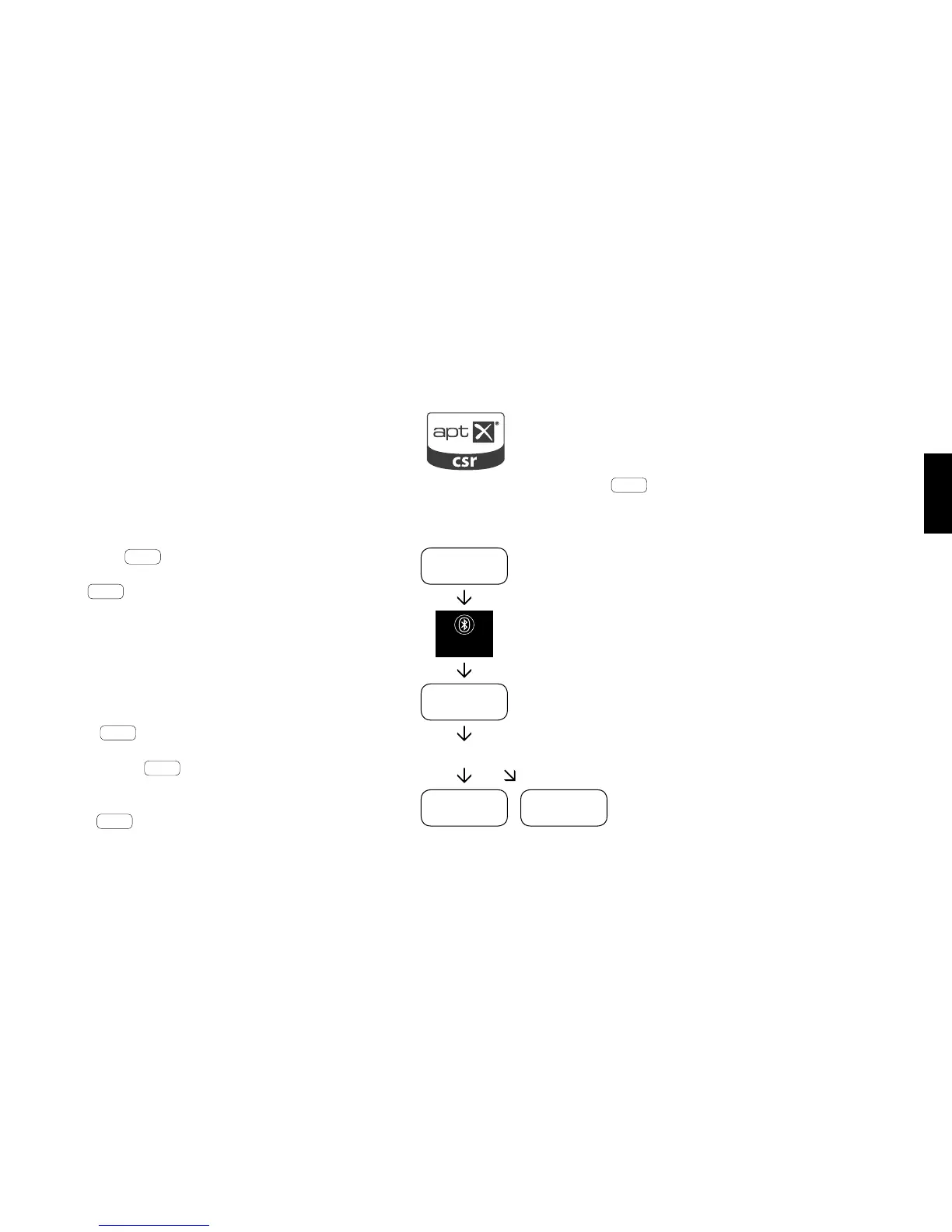
- Select BT input
- Press the « Bluetooth®-Pairing » button
- BTP appears on the display
- You now have 30 seconds to
register your mobile end device
- Start the search run on your mobile end device
- Select « Spectral BRA2 » or « Spectral VRA2 »
as the playback device
- Once conrmed, the connection will be made
automatically and will appear
as CON in the display
- If the connection fails the
message FAI will appear
- If the mobile device requires an
access code enter 0000
- If DIS appears in the display, your mobile
device is out of reach or not registered.
Operating a mobile end device
- The device most recently connected to the
sound system connects automatically when Blu-
etooth® is activated and the input for Bluetooth®
playback has been selected. In this case the mes-
sage Con will appear.
- Start the playback of a medium on your mobile end
device and the sound will automatically be genera-
ted by the sound system.
Please note: The sound system can manage
up to three Bluetooth® devices.



 To Next Page