Spectralink 7520 and 7540 User Guide
14158600 Version 10.0
March, 2014 14
Information shown in Status bar:
• on hook (idle) - display shows user ID, personal settings and time. If bluetooth activated (only
Spectralink 7540), the bluetooth icon is visible. If wireless headset connected (only Spectralink
7540) the headset icon is visible.
• off hook - display shows user ID.
Information shown in Display center:
• on hook (idle) - display shows standby logo or call information when receiving an incoming call
• off hook - display shows a telephone icon. If a wireless headset is connected to the handset
(only Spectralink 7540), the display shows a telephone icon if the audio is in the handset, and
it shows a headset icon if the audio is in the headset.
Information shown in Softkey text:
• on hook (idle) - display shows Menu and Shortcut
— Menu gives access to the different functions of the handset.
— Personal shortcuts consist of functions you have chosen to add to a list of shortcuts.
• off hook - display shows various terms according to the context of the specific function.
Status Icons
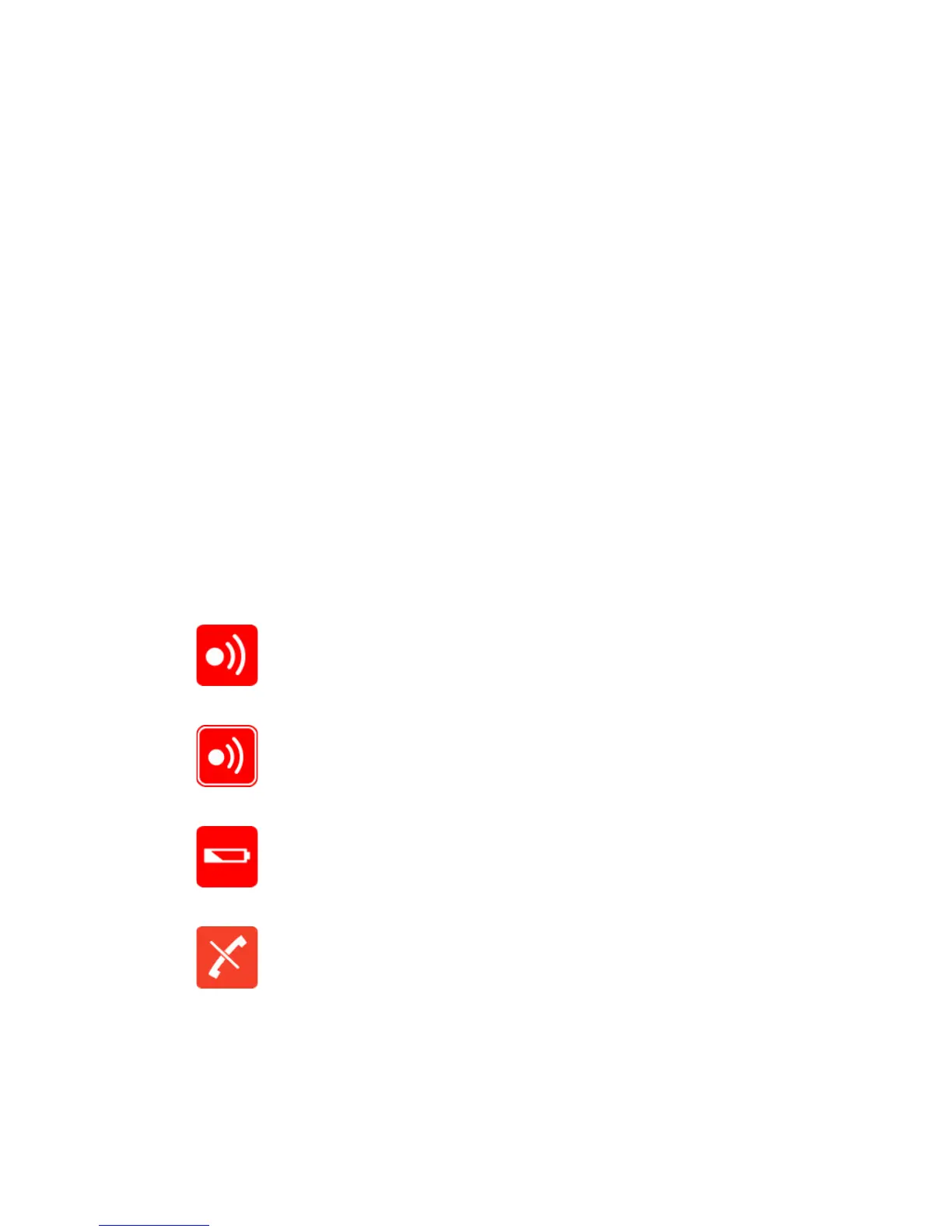
The following icons may appear in Status bar or Display center
Indicates that the handset soon will be out of coverage.
Indicates that handset is out of coverage, or that the system is busy (no
speech channels available).
Indicates that battery capacity is low.
Appears when you miss a call.



 To Next Page