Spectralink 7520 and 7540 User Guide
14158600 Version 10.0
March, 2014 13
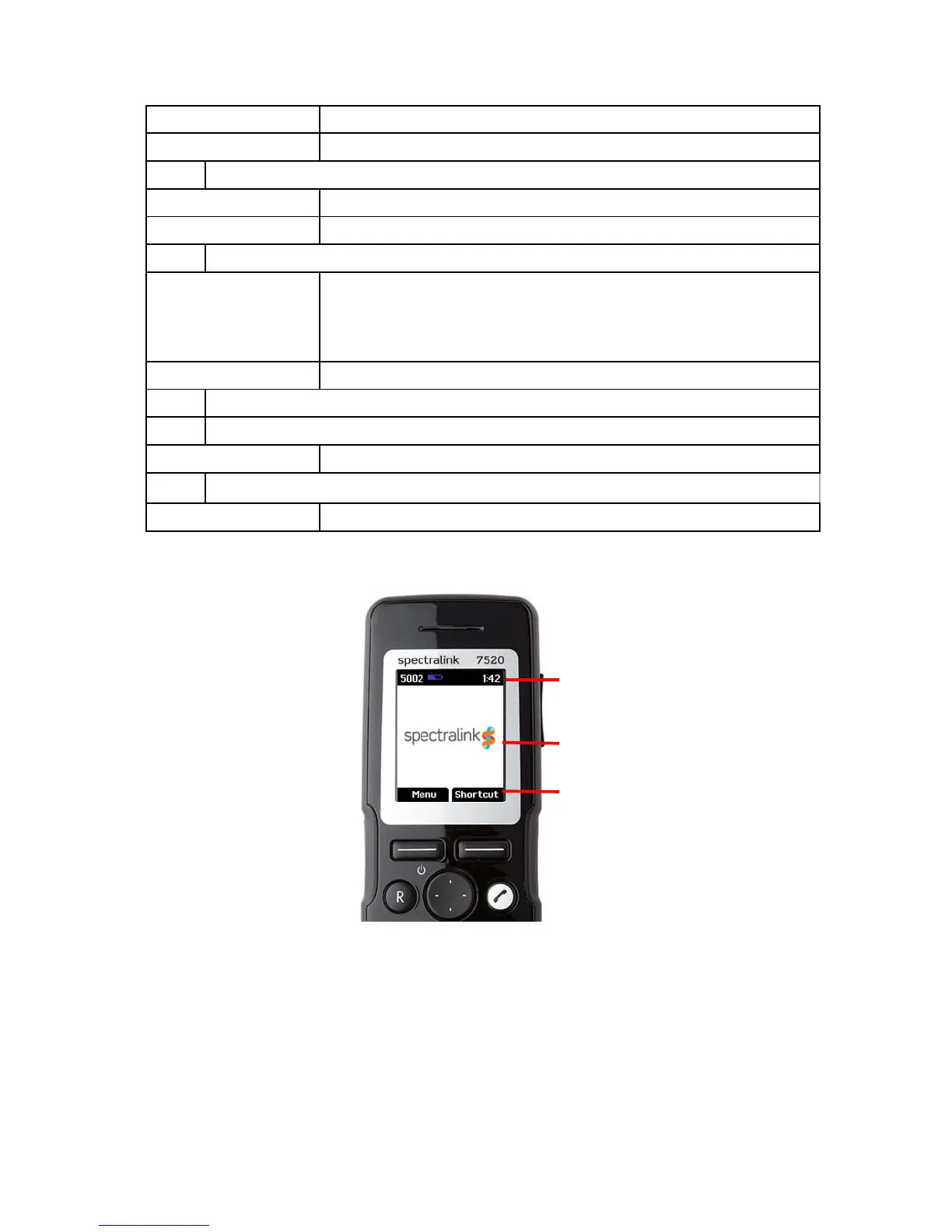
Handset Display
The display is divided in three parts: Status bar, Display center and Softkey Text (see figure
above).
On hook (idle) • Returns to previous menu.
Off hook (active) • Turns loudspeaker on.
C Redirect
On hook (idle) • Exits menu.
Off hook (active) • Redirects calls.
D Four-Way Navigation Key
On hook (idle) • Navigates menu.
• Adjusts volumes in menu.
• Moves cursor.
• Shortcuts to phone book, call register and missed call.
Off hook (active) • Shortcut to phone book.
E On/off Hook
F Keypad Lock/Unlock
On hook (idle) • Locks/unlocks keypad (Menu + ).
G Silent mode on/off
On hook (idle) • Sets silent mode on/off (Menu + #)



 To Next Page