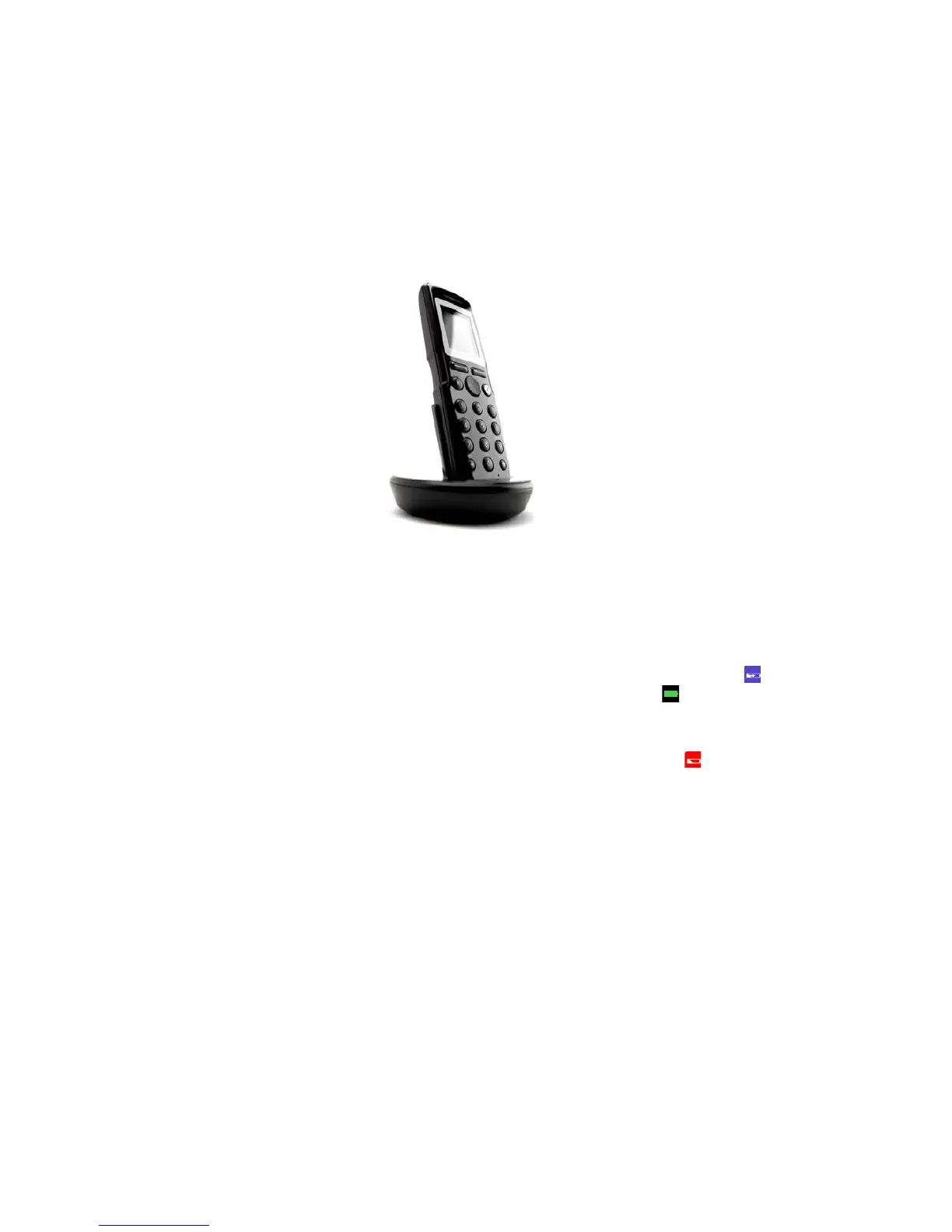
Spectralink 7520 and 7540 User Guide
14158600 Version 10.0
March, 2014 10
Charging the Battery
When charging battery for the first time, it is necessary to leave handset in charger for 14-16 hours
for the battery to be fully charged.
During normal operation, it takes approximately 6 hours to charge the handset from fully
discharged to its full capacity. Turning the backlight off reduces charging time with approximately
2 hours.
• Place handset in charger.
For correct charging, be sure the room temperature is between 0°C/32°F and 40°C/104°F. Do not
place the handset in direct sunlight. The battery has a built-in heat sensor which will stop charging
if the battery temperature is too high.
If the handset is turned off when placed in charger, nothing indicates the charging. There will be
no reaction on incoming calls.
If the handset is turned on when charging, the display shows the blue charging icon in the
status bar. The charging icon is replaced by the green fully charged icon , when the battery is
fully charged (when handset is removed from charger, the charging icon disappears). The handset
will not vibrate. Auto answer is inactive. The handset reacts normally for incoming calls.
It is necessary to recharge battery when display shows the battery low icon , or if the handset
cannot be turned on.
Battery Capacity
The capacity of the battery depends on the use of backlight, Bluetooth and talk time.
Battery capacity in active mode:
• Spectralink 7520/7540: up to 24 hours active talking time.
Battery capacity in standby mode:
• Spectralink 7520:
— 200 hours when display backlight is turned off.



 To Next Page