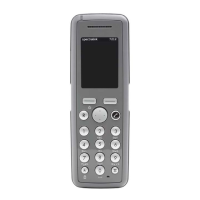
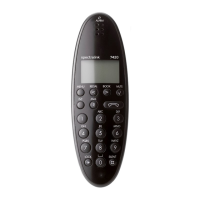
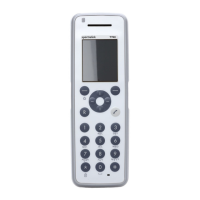
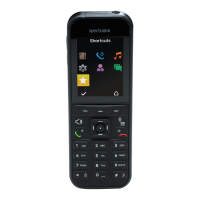
Spectralink 7520 and 7540 User Guide
14158600 Version 10.0
March, 2014 55
Auto Answer
When auto answer is turned on , the handset automatically goes off hook when an incoming
call arrives.
If subscribed to a wireless solution, the handset automatically goes on hook when calls are
terminated.
To Turn Auto Answer On/Off
1 Press Menu to enter main menu.
2 Scroll to Settings and press Select.
3 Scroll to Auto answer and press Select.
4 Scroll to On or Off and press Change.
When charging, auto answer is inactive.
Changing Settings of Auto Answer
When auto answer is turned on, you can use it in the following situations.
• Lift from charg.: When turned on, the handset automatically goes off hook when removed
from charger.
• After 1. ring: When turned on, the handset automatically goes off hook after the first ring.
• When headset: When turned on, the handset automatically goes off hook, when you are using
a headset.
• Loudspeaker on: When turned on, the handset automatically goes off hook and turns on
loudspeaker.
Change Auto Answer Settings
1 Press Menu to enter main menu.
2 Scroll to Settings and press Select.
3 Scroll to Auto answer and press Select.
4 Scroll to Settings and press Change.
5 Scroll to the desired setting and press Select.


 To Next Page