EasyManua.ls Logo

Speed Queen AWNE92 - User Manual

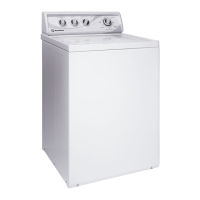
Speed Queen AWNE92
26 pages
Print Icon
To Next Page IconTo Next Page
Loading...
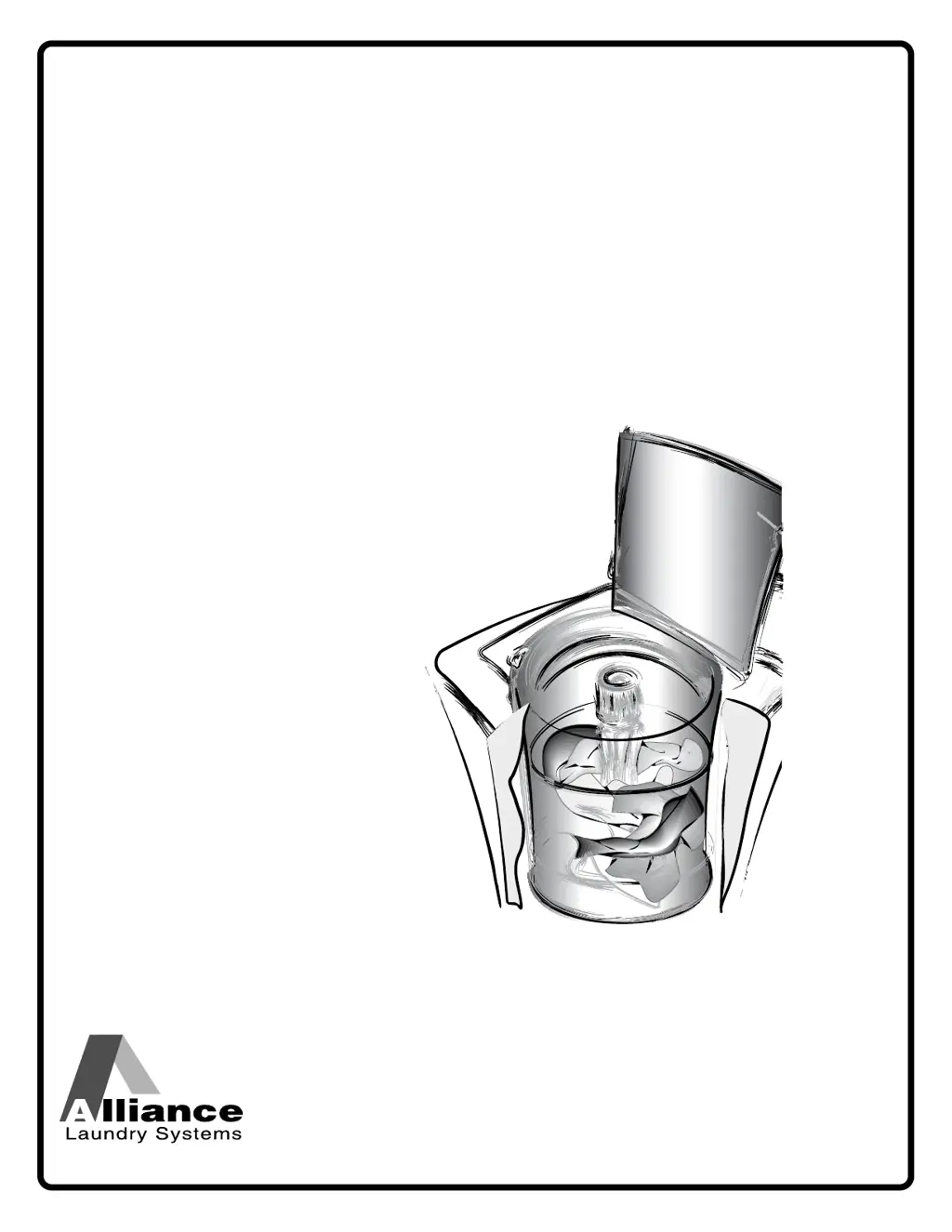
User's Guide
for Topload Washers
TLW22C_SVG
Original Instructions
Keep These Instructions for Future Reference.
(If this machine changes ownership, this manual must accompany machine.)
www.speedqueen.com
Part No. 202956R4
February 2016

Questions and Answers

  • S
    Stacey BlackSep 8, 2025
    What does tP mean on my Speed Queen Washer?
    • M
      Mr. David ClarkeSep 8, 2025
      If your Speed Queen washer's digital display shows tP, St, it indicates that the motor overload protector has stopped the cycle. It will reset itself, and the display will show tP, St. Press the Start/Pause button to resume the cycle. This condition could also be due to an overloaded washtub; review proper load sizes in the Loading The Washer Section.
  • B
    Brian SmithSep 10, 2025
    What does Er, dr mean on my Speed Queen AWNE92 Washer?
    • B
      Brandon BurkeSep 10, 2025
      If your Speed Queen washer's digital display shows Er, dr, it means water is still in the washer at the end of the cycle. Check the drain hose and drain receptacle to make sure they are installed properly and not blocked. Unplug the machine for 15 seconds to clear this code.
  • R
    Rachel MorrisonSep 12, 2025
    What does OF, St mean on my Speed Queen Washer?
    • A
      Andrea HallSep 12, 2025
      If your Speed Queen washer's digital display shows OF, St, it indicates that the washtub has filled to the overflow level. After pressing the Start/Pause button, the machine will begin to spin to pump water out. If the Start/Pause button is not pressed within five minutes, Er, OF will be displayed, and the machine will need to be unplugged for 15 seconds to clear the code.
  • D
    David GreenSep 13, 2025
    Why is the water level low on extra large setting on my Speed Queen Washer?
    • L
      Leslie WelchSep 14, 2025
      Starting January 2009, the Department of Energy (DOE) mandated new efficiency standards which resulted in reduced water levels in the topload washer.
  • J
    Joanna WebbSep 15, 2025
    What to do if my Speed Queen AWNE92 shows other Er Codes?
    • M
      Mary HatfieldSep 15, 2025
      If the control displays any other Er codes on your Speed Queen washer, unplug the machine for 15 seconds, then plug it back in. If the code still appears, call for service.
  • J
    Jamie DavisSep 18, 2025
    What does Er, PS mean on my Speed Queen AWNE92?
    • R
      Rebecca RubioSep 18, 2025
      If your Speed Queen washer's digital display shows Er, PS, it means that the control has detected trouble sensing the water fill level. Unplug the machine and call for service.

Summary

Product Registration

Safety Information and Precautions

Understanding Safety Messages

Explains the meaning of DANGER, WARNING, CAUTION, IMPORTANT, and NOTE statements found in the manual.

Essential Safety Instructions

Lists fundamental precautions to reduce the risk of fire, electric shock, injury, or death during washer use.

Washer Operation: Preparation

Preparing the Wash Load

Details steps like emptying pockets, mending, sorting, and pretreating clothes before washing.

Washer Operation: Cycles and Temperatures

Loading and Water Level Guidance

Guides on how to load the washer, understand load sizes, and select appropriate water levels for effective washing.

Wash Temperature Selection

Explains the use of Hot, Warm, Cool, and Cold water temperatures for different fabric types and washing needs.

Control Panel Overview

Display and Indicators

Describes the digital display, soak indicator behavior, and status lights for cycle progression.

Wash Cycle Selection

Introduces various wash cycles like Heavy Duty, Whites, Normal Eco, Perm Press, Delicate, and Favorite.

Control Panel: Selections and Options

Cycle Modification Options

Describes Selections (Temp, Load Size, Soil Level) and Options (Soak, Pre-Wash, Rinses, Delay Start, Signal, Control Lock).

Control Panel: Washing Process

To Wash Clothes

Step-by-step instructions for preparing and starting a wash load, including safety warnings.

Control Panel: Cycle Management

Pausing and Manual Soaking

Explains how to pause a running cycle and perform a manual soak operation.

Cycle Operation Details

Normal Eco and Delicate Cycle Stages

Provides detailed stage breakdown, time, speed, and comments for Normal Eco and Delicate wash cycles.

Cycle Operation: Other Cycles

Other Wash Cycle Stages

Outlines stages, time, speed, and comments for Heavy Duty, Whites, Perm Press, Quick Wash, and Bulky cycles.

Cycle Operation: Optional Features

Dispenser Use and Cleaning

Explains the use and cleaning of bleach and fabric softener dispensers, along with usage tips.

Clothing Care Advice

Resolving Clothing Issues

Offers solutions for common problems like dinginess, yellowing, tearing, lint, and wrinkles based on their causes.

Washer Maintenance

Routine Care and Preparations

Covers cold weather care, general cleaning, hose inspection, filter screens, and vacation preparation.

Preventative Maintenance Schedule

Details a schedule for monthly, semi-annual, and annual maintenance tasks to ensure proper operation.

Washer Maintenance: Shipping and Motor

Shipping Materials Reinstallation

Instructions for reinstalling shipping brace and plug when moving the washer.

Motor Overload Protection

Explains the function of the motor overload protector and how to respond to related error codes.

Troubleshooting Common Problems

Fill, Start, and Agitate Issues

Provides causes and solutions for common washer problems like not filling, starting, or agitating.

Troubleshooting: Operation Issues

Spin, Drain, Leaks, and Load Issues

Offers solutions for problems like not spinning, draining, water leaks, noise, and wet loads.

Troubleshooting: Error Codes

Temperature and Error Code Solutions

Guides users on resolving incorrect water temperatures and interpreting various digital display error codes.

Contacting Support and Service

Speed Queen AWNE92 Specifications

General IconGeneral
BrandSpeed Queen
ModelAWNE92
CategoryWasher
LanguageEnglish

Related product manuals