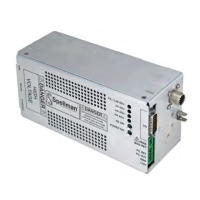
Spellman High Voltage Electronics Limited - Company Confidential
This document must not be copied or distributed without express permission from Spellman High Voltage Electronics Limited
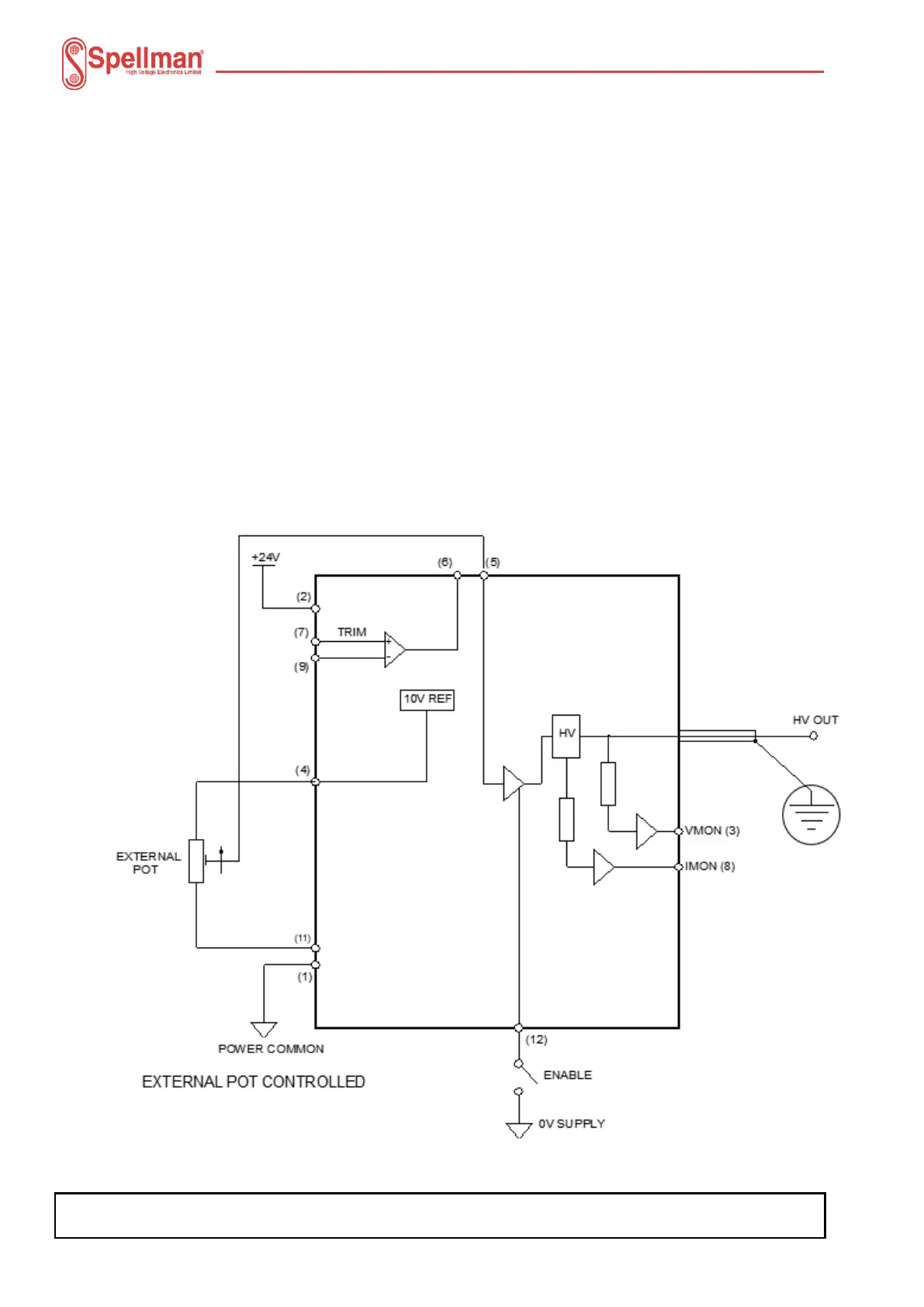
4.1.4 External potentiometer control
An external potentiometer can be connected between the 10V reference on Pin 4 and
ground with the wiper connected to Pin 5, this will allow the potentiometer to be used to
control the unit. The user should note the use of a potentiometer may affect the
performance of the MPD unit.
The unit may be controlled by an external potentiometer as follows: -
24V Power input on Pin 2.
Power Comon on Pin 1.
Connect Pin 4 to external pot CW.
Connect Pin 11 to external pot CCW.
Connect Pin 5 to external pot wiper.
Connect Enable Pin 12 to ground to enable HV output.
Voltage monitor output is on Pin 3.
Current monitor output is on Pin 8.


 To Next Page