Spellman High Voltage Electronics Limited - Company Confidential
This document must not be copied or distributed without express permission from Spellman High Voltage Electronics Limited
First time installation
To install the GUI for the first time, follow the procedure below.
1. Copy the files above to a convenient location on your computer.
2. Double click the ‘Customer 48113-GUIvxryy.exe’ file. The GUI installer will start
to run.
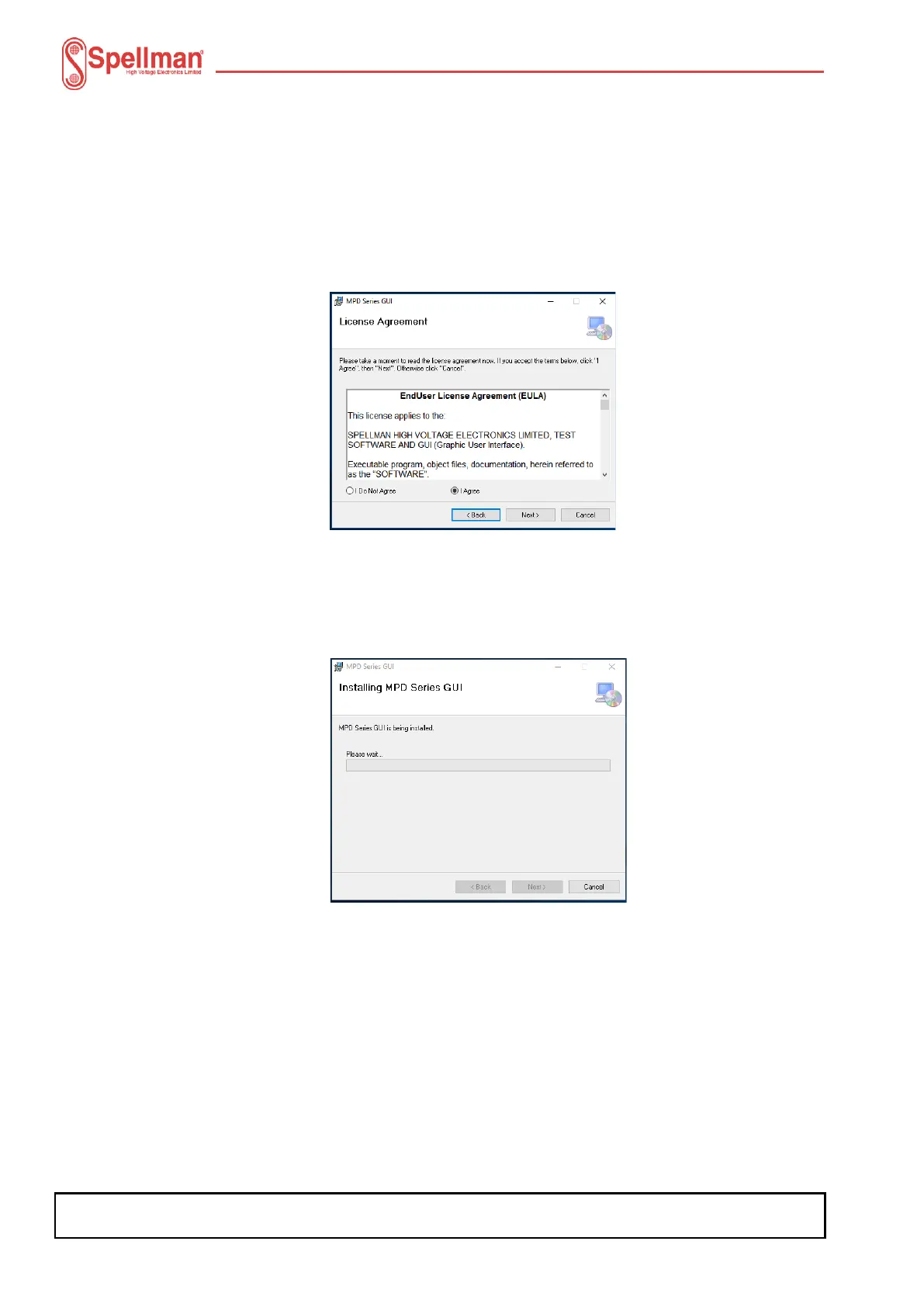
3. Click the ‘Next’ button. The End User License Agreement (EULA) will be
displayed.
Read the EULA through and if you agree to the terms, click the ‘I Agree’ button and then
click the ‘Next’ button. The installer is now ready to install the GUI.
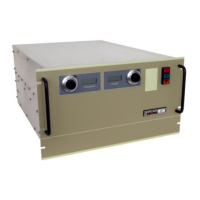
1. Click the ‘Next’ button once more. Installation will begin.
2. Once installation is complete, the following will be displayed.


 To Next Page