Spellman High Voltage Electronics Limited - Company Confidential
This document must not be copied or distributed without express permission from Spellman High Voltage Electronics Limited
If the unit needs to be programmed with a different slave address, please see section
below.
Loading when application code is running.
Prerequisites;
i) Connect serial comms to and power up the unit.
Run the MPD GUI (48113-GUI)
Click the ‘Set-up’ menu option. The Set-up dialog box will be displayed.
Click ‘RS232’ and select the serial Comms port to use. Click ‘OK’ when finished.
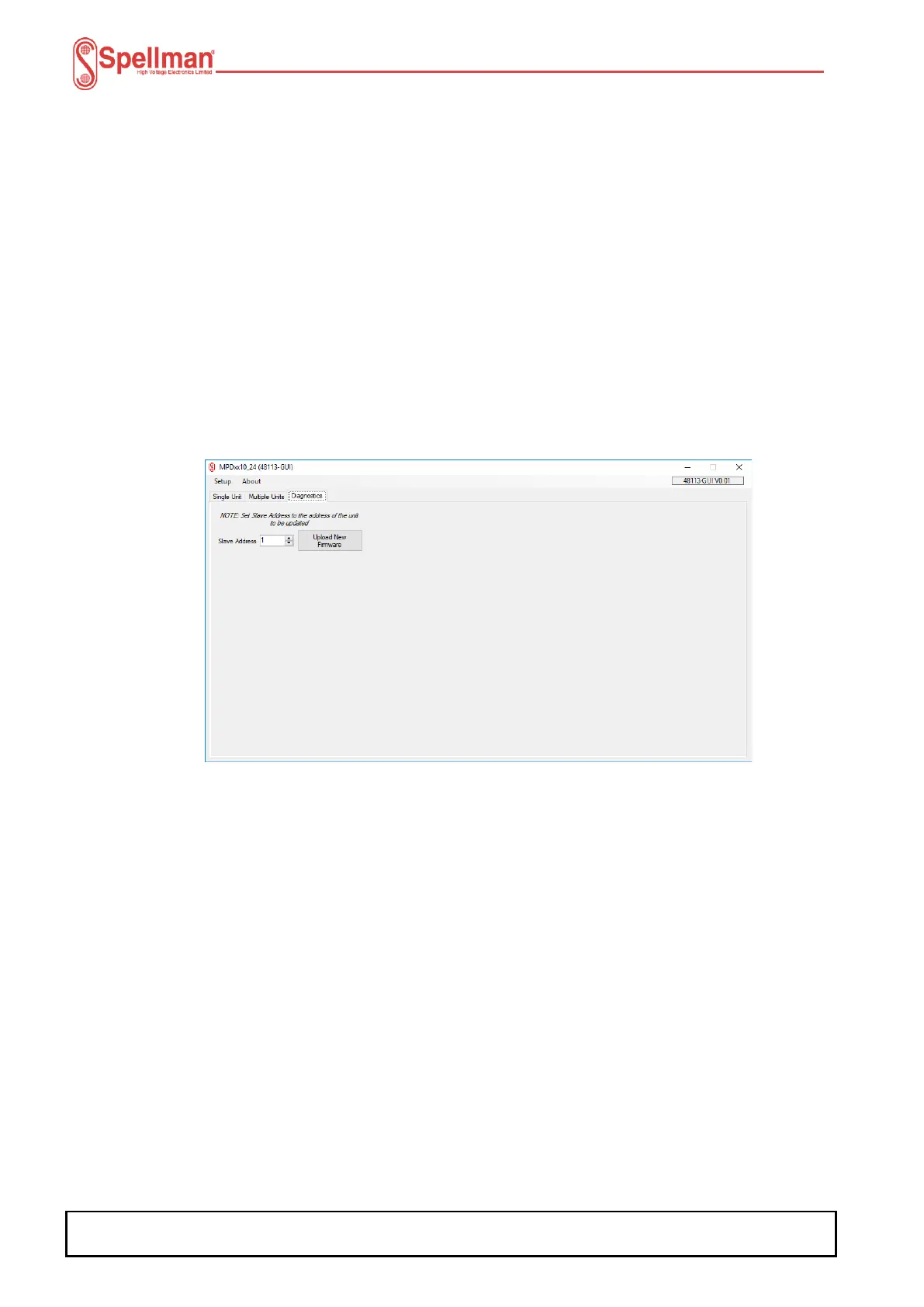
Click the ‘Diagnostics’ tab.
Set the ‘Slave Address’ to the address the unit is programmed with.
Click the ‘Upload New Firmware’ button. A command will be sent to the connected unit
to place it in bootloader mode. Wait until you are prompted to close the GUI.
Close the GUI.
Follow the steps for loading firmware.


 To Next Page