SPHINX Myth 5
4
3. THE AMP AT A GLANCE
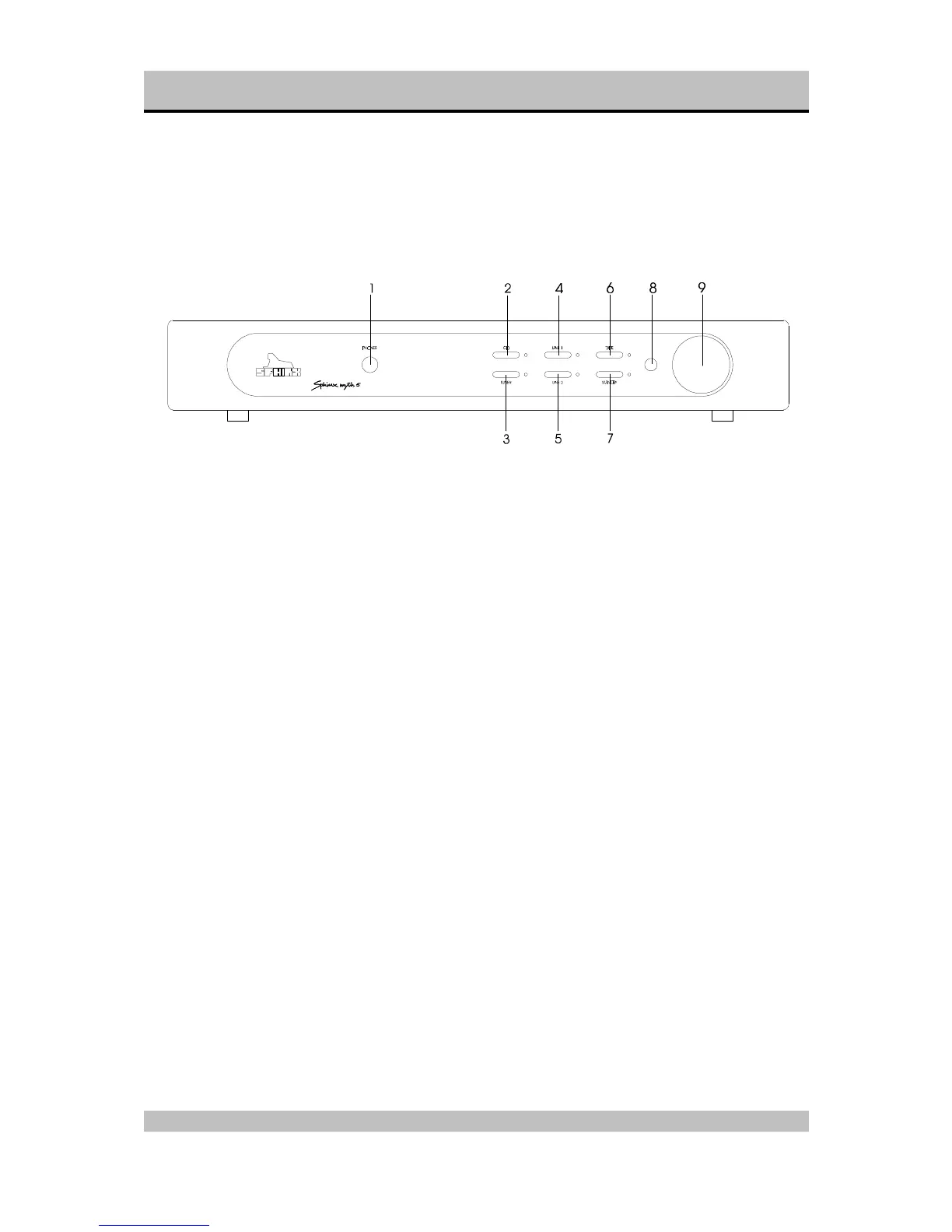
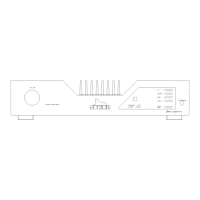
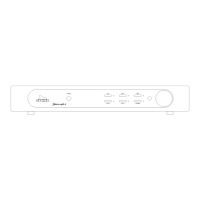
Front panel
1. PHONES: To connect dynamic stereo
headphones.
2. CD: To select the CD input.
3. TUNER: To select the TUNER input.
4. LINE 1: To select the LINE 1 input.
5. LINE 2: To select the LINE 2 input.
6. TAPE: To select the TAPE IN input.
As soon as you have pressed one of the
buttons 2. to 6. the corresponding red LED
next to it will light.
7. STANDBY: Press this button to temporarily
standby the sound. The red LED will light.
8. Sensor window for the IR signal from the
Remote Control
9. VOLUME: With this motor controlled knob you
may adjust the volume of the loudspeakers.
The volume can be controlled manually or via
the optional Remote Control.


 To Next Page