SPHINX Project Two Mk2
10
Operation
The Sphinx Remote is used for several different
models and can therefore transmit different control
codes, depending on which model has been
selected with the select buttons (1.).
Important: Always press the PRE-AMP button
before you send a command (even if you only have
one Sphinx component).
Otherwise it is possible that, although the Remote
sends a signal (LED blinks), nothing happens
because the transmitted signal is not 'recognised'
by the component.
Indoors the Remote may be used up to a distance
of 7 meter, provided there is no strong sunlight in
the room and if you aim the Remote at the
component.
Always aim the Remote straight at the front panel of
the component, the maximum offset angle is 30°.
Selecting without switching
Suppose for instance that you would like to select
the Tuner to Radio 4 without interrupting the CD
playback.
In that case you momentarily depress (not longer
than 0.5 sec) the 'TUNER' button and the '4' button.
The same procedure is used for the other system
components.
How to operate the Remote Control with the
different Sphinx components will be explained in
the corresponding User Manual of each
component.
Batteries
The four batteries have a life span of approx. one
year during normal use, but shorter when used
more intensely.
Replacement batteries: 1.5 V, model micro or
penlite or LR03 or AAA or AM4 (one of these codes
is indicated on the packaging and the batteries).
You may also use rechargeable 1.5 V batteries.
Note: Position the new batteries exactly as shown
in the illustration at the bottom of the battery
compartment, otherwise the Remote will not
function!
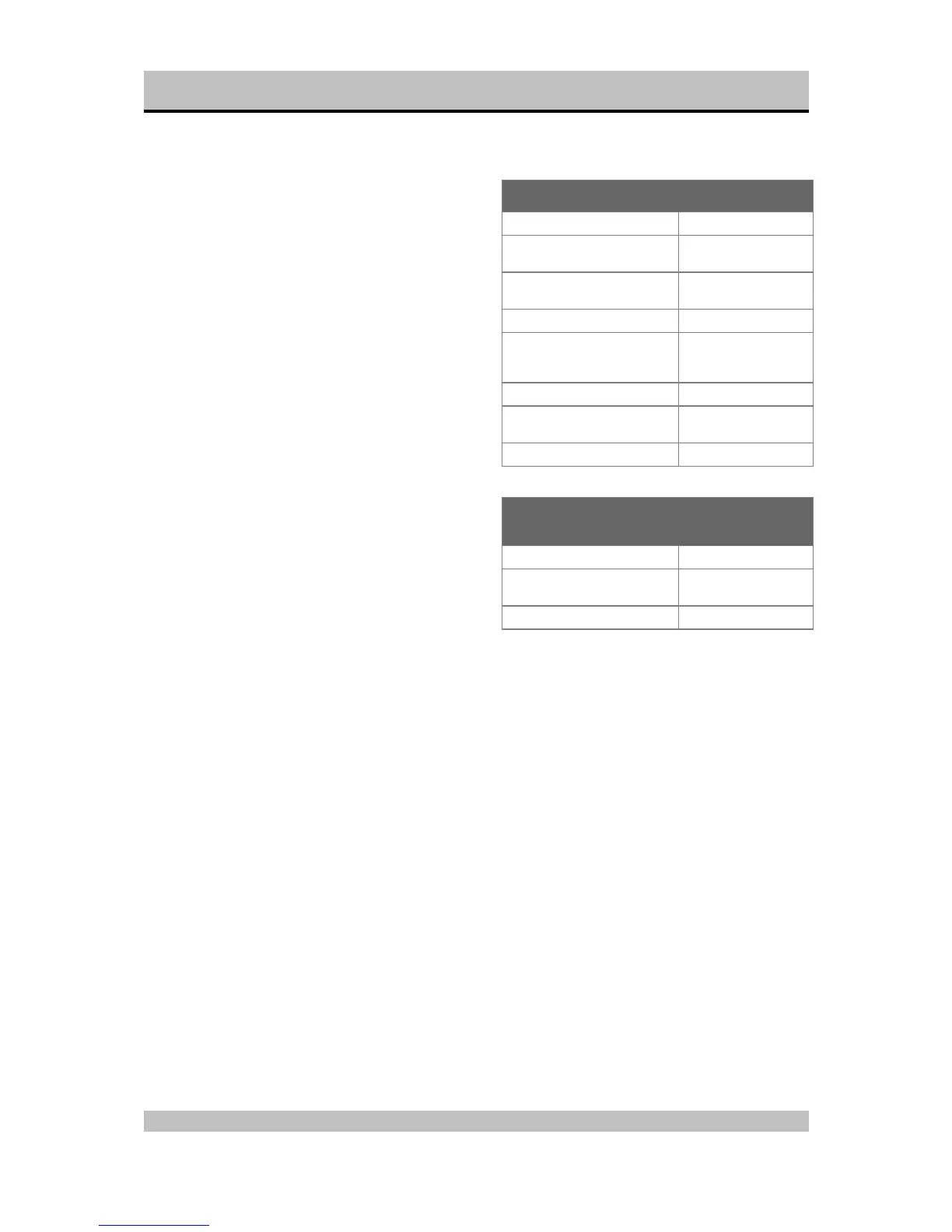
Encountering problems...
Remote Control does not work
Wrong component selected Select the correct one
Distance to component
exceeds 7 m
Use Remote at closer
range
Angle between Remote and
component exceeds ±30°
Decrease angle
Sensor window on front dirty Clean window
Batteries empty or incorrectly
placed
use new batteries or
replace the old
correctly
Strong (sun)light in room Shade off
Component is not switched on
(!)
Switch it on
Component reacts differently than expected or
not at all
Wrong component selected Select the correct one
Component or Remote does
not function
Check component with
it's original remote
Batteries of remote empty Use new batteries



 To Next Page