SPHINX Project Two Mk2
4
3. THE PRE-AMP AT A GLANCE
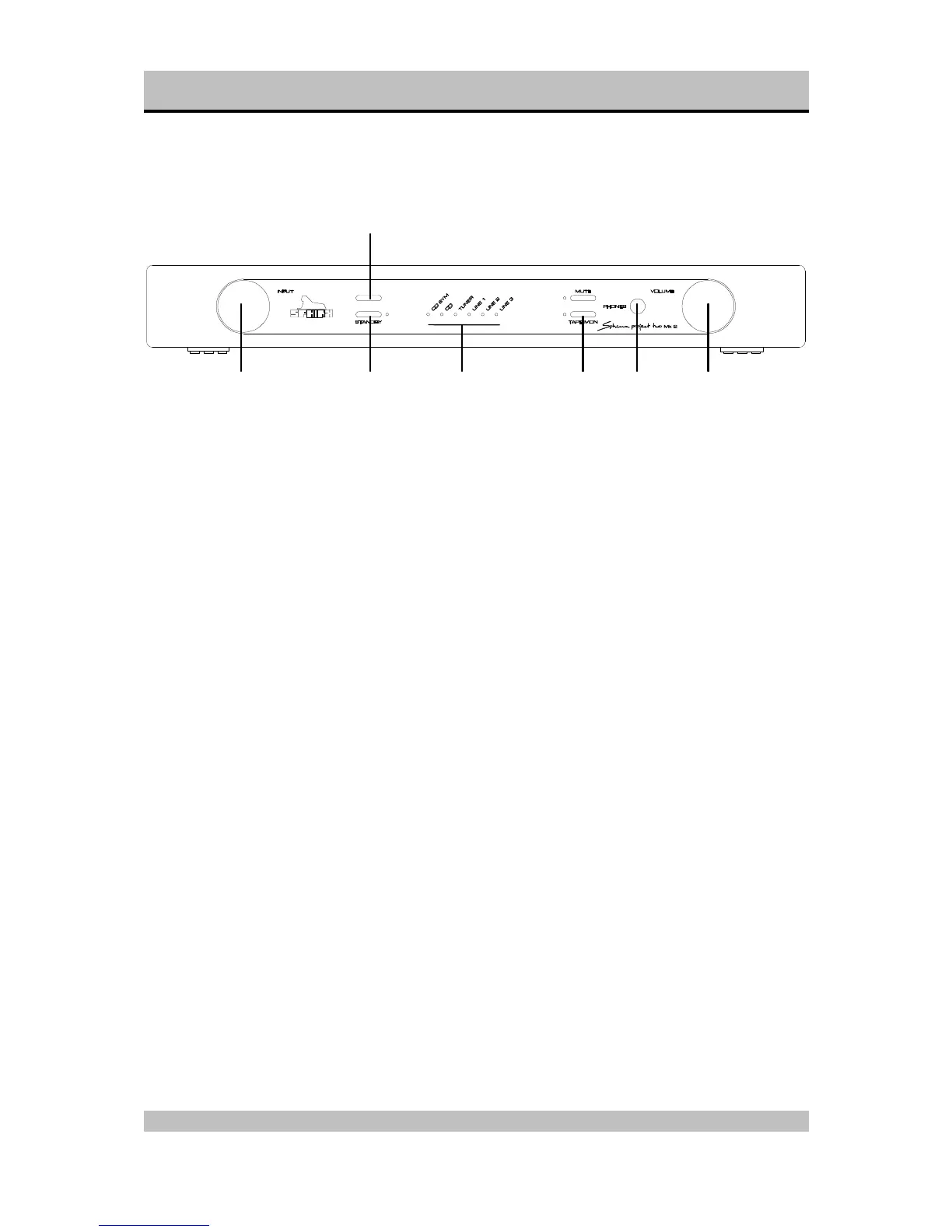
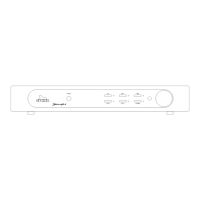
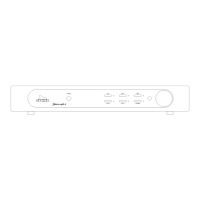
Front panel
1. INPUT: With this rotary knob you select one of
the six inputs. Turn clockwise for an input to the
right of the active one, anti-clockwise for an input
to the left.
2. STANDBY: To switch the component on and off:
on LED is green
off LED is red
3. Receptor window for the IR signals from the
Remote Control.
4. Input selection LED's: The input selected with
knob (1.) is indicated by one of these LED's:
CD SYM balanced CD input
CD unbalanced CD input
TUNER Tuner
LINE 1 unbalanced line input 1
LINE 2 unbalanced line input 2
LINE 3 unbalanced line input 3.
5. MUTE: Press this button to temporarily mute the
sound. The red LED will light.
6. TAPE MON: To select the TAPE IN input. The
red LED will light.
7. PHONES: To connect dynamic stereo
headphones.
8. VOLUME: This rotary knob adjusts the volume
level.
1 2 4 6 7 8
3



 To Next Page