29
IM-S51-07 CTLS Issue 1
SP7-10, SP7-11, SP7-12 and SP7-20, SP7-21, SP7-22 Parameterization
NOTE
The stroke time to be monitored should be 1.5 to 2x greater than the shortest stroke time selected during automatic
adjustment.
Press and hold the ENTER button to display the stroke time. Press ENTER again to toggle between UP stroke time and DOWN stroke
time.
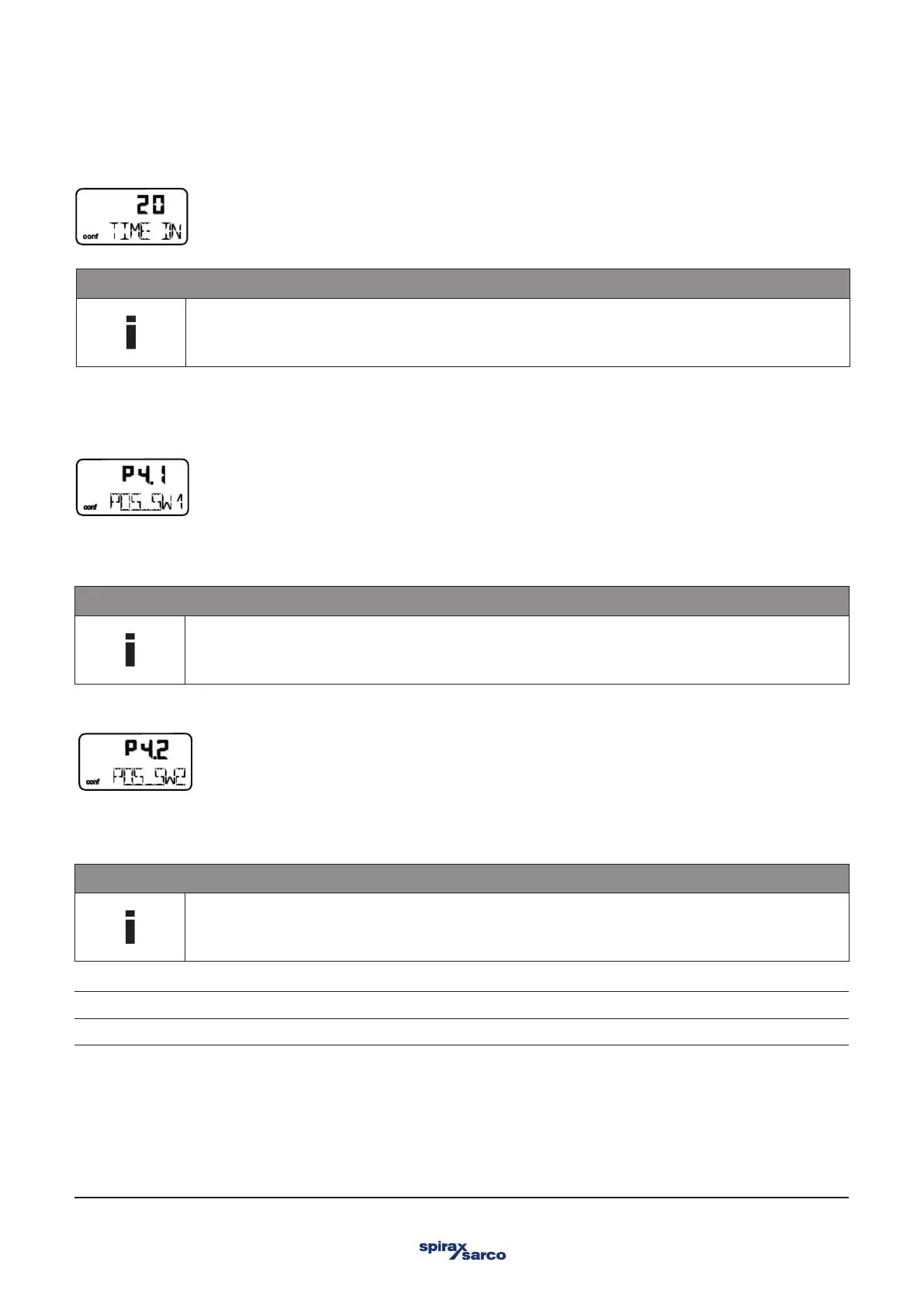
3.8.2 POS_SW1 – Switching point SW1
Once the setpoint has been reached, the alarm is automatically reset.
With this parameter you can define the switching point SW1 as a percentage of the operating range. If the position is above or below
SW1, the corresponding signal output on the plug-in module is activated (see also parameter group DIG_OUT).
NOTE
Changing the operating range also changes the positions of the switching points with respect to the position of
the valves and fittings.
3.8.3 POS_SW2 – Switching point SW2
With this parameter you can define the switching point SW2 as a percentage of the operating range. If the position is above or below
SW2, the corresponding signal output on the plug-in module is activated (see also parameter group DIG_OUT).
NOTE
Changing the operating range also changes the positions of the switching points with respect to the position of
the valves and fittings.
Exceed Message when exceeding switch point SW2
FALL_BEL Message when falling below switching point SW2



 To Next Page