IM-S51-07 CTLS Issue 1
42
SP7-10, SP7-11, SP7-12 and SP7-20, SP7-21, SP7-22 Parameterization
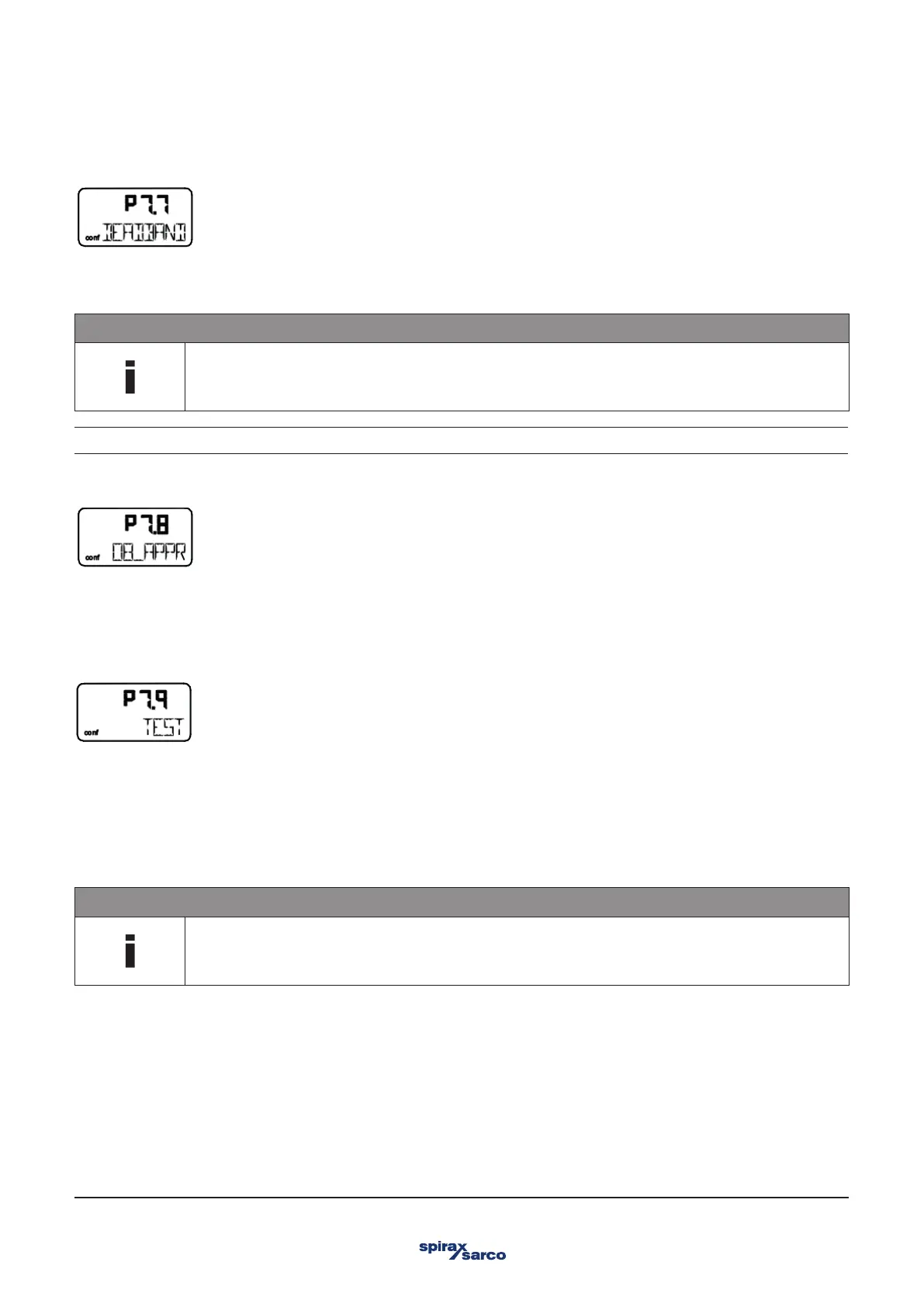
3.11.8 DB_APPR – Dead band approach
The "dead band" DEADBAND defines a ± range around the position setpoint. Once the valves and fittings reach this range, the
positioner maintains this position.
NOTE
The dead band must always be 0.2% less than the tolerance band.
Input value In steps of 0.01%
3.11.9 DB_APPR – Dead band approach
The DB_APPR parameter specifies the speed at which the dead band is approached.
In rare cases, overshooting can occur when the valve position is being compensated. This can be prevented by reducing the speed
of the dead-band approach.
TEST – Test
The test is used to activate the controller, and you can check the effects of the changes to this parameter group, e.g., by introducing
setpoint changes or setpoint ramps using a current source.
Normally, INACTIVE is shown in the display. To start the test, press and hold ENTER until the countdown from 3 to 0 is finished. The
test is activated. The display shows the control loop symbol and a flashing message.
The test is automatically stopped after two minutes and can also be stopped by pressing any button.
NOTE
It is not possible to activate the test when the safe position is active (see parameter FAIL_POS on page 50).
Instead, the message FAIL POS is displayed.



 To Next Page