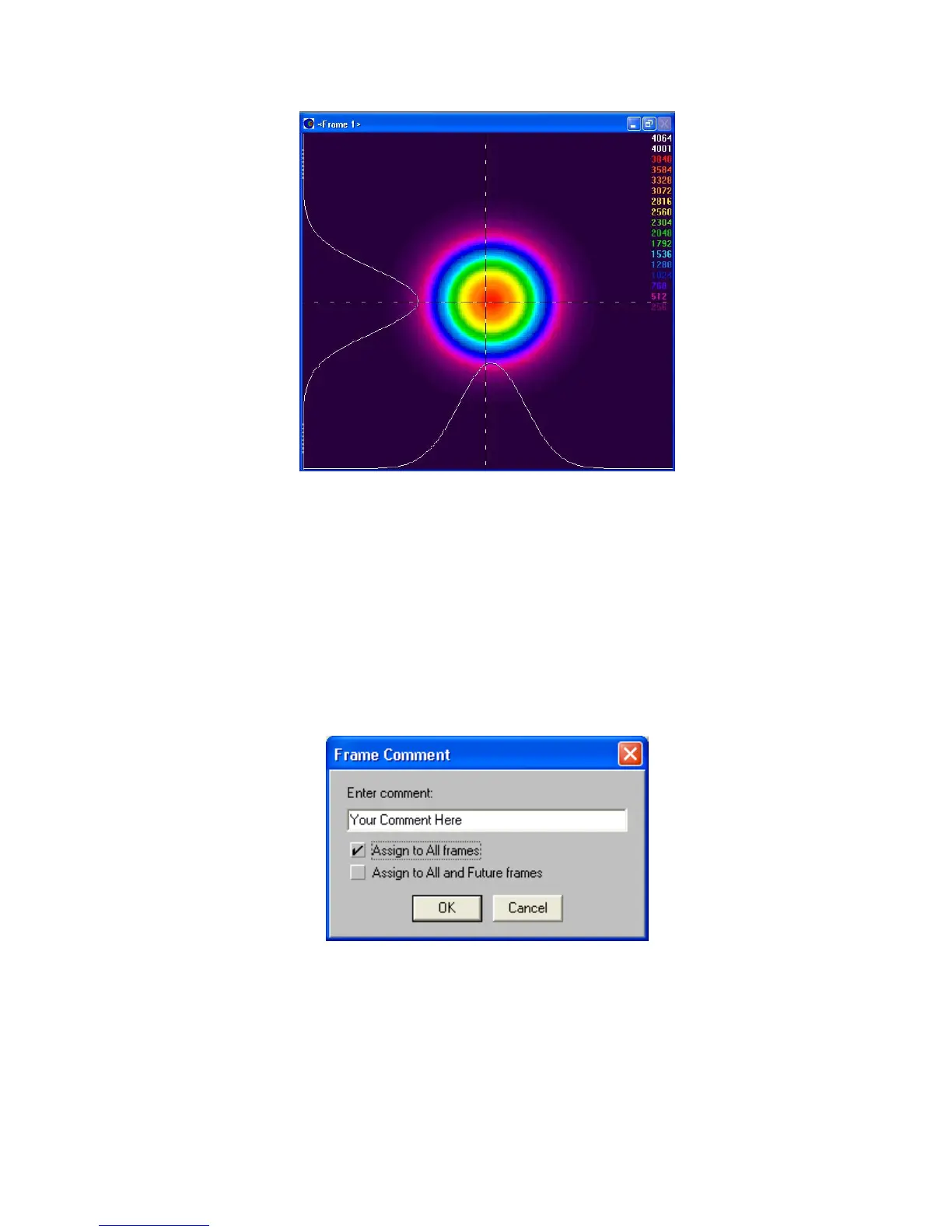
Figure 45
4.2.1 Frame Comment
The Frame Comment is a text string label that you can attach to a data frame. It can be saved with
the data file, and it will print as a title if you choose to print the associated frame. You can replace
the <Frame> number by double-clicking inside the Display Window’s title bar. The Frame Comment
dialog box (see below) will appear. Type your comment on the line provided, select how to apply the
comment, and then click OK!
Figure 46
A Frame Comment can be applied in 3 different ways.
If neither of the check boxes in this dialog box are selected: The comment will only be associated
with the currently displayed frame for as long as this particular frame remains in the frame buffer.
When a new data frame overwrites this frame location, the comment will be lost, and once again the
Operator’s Manual LBA-PC
Doc. No. 10654-001, Rev 4.10
107



 To Next Page