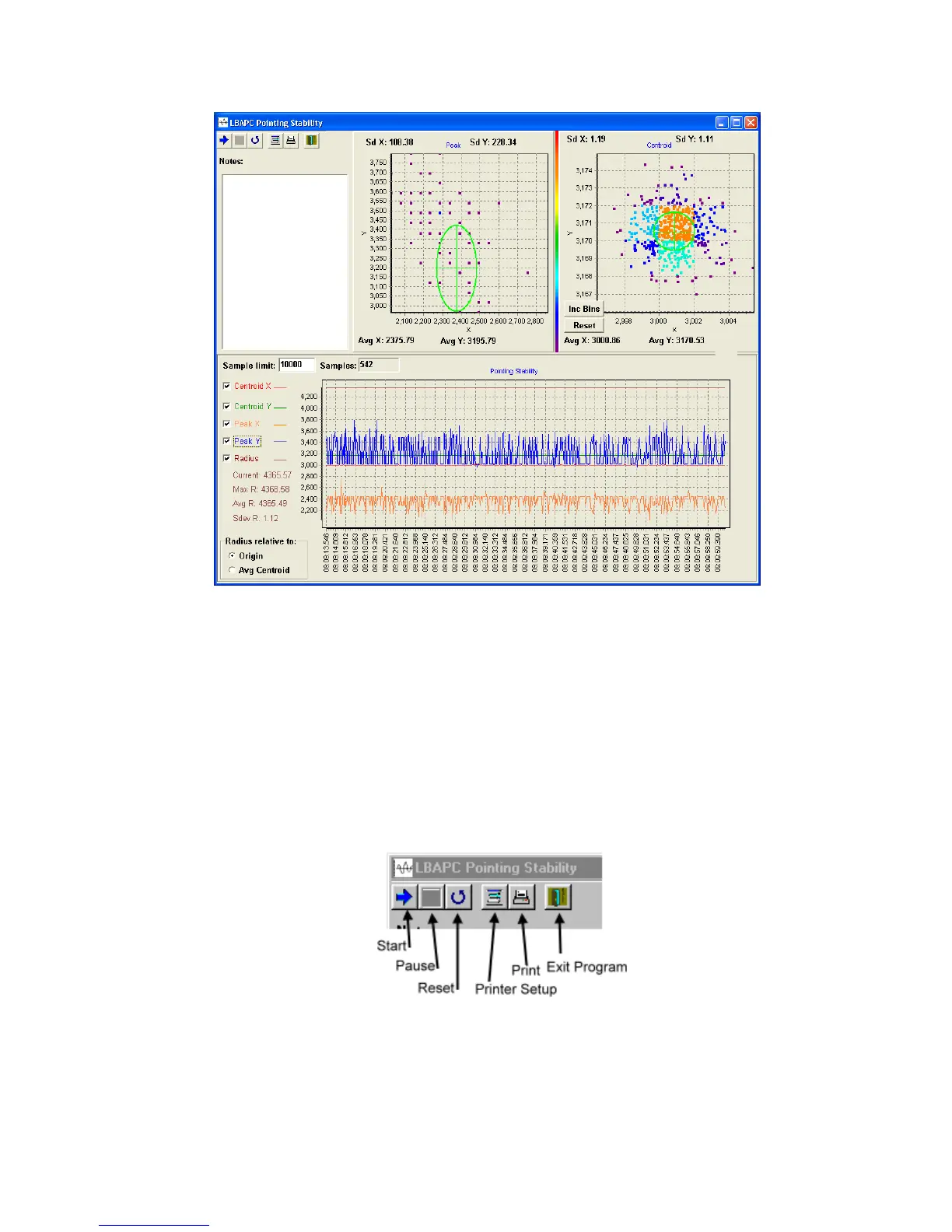
Figure 34
Note: The LBA-PC program must be running, collecting data and non-minimized for the pointing stability program
to collect data.
3.2.9.1 Main Controls
The main controls are located in a toolbar in the upper left corner of the main window. These
controls consist of buttons for Start, Pause, Reset, Printer Setup, Print, and Exit Program.
Figure 35
Operator’s Manual LBA-PC
86



 To Next Page