4.2.2 Shortcuts
In the Beam Window… Double left click to bring up the Beam Display dialog box.
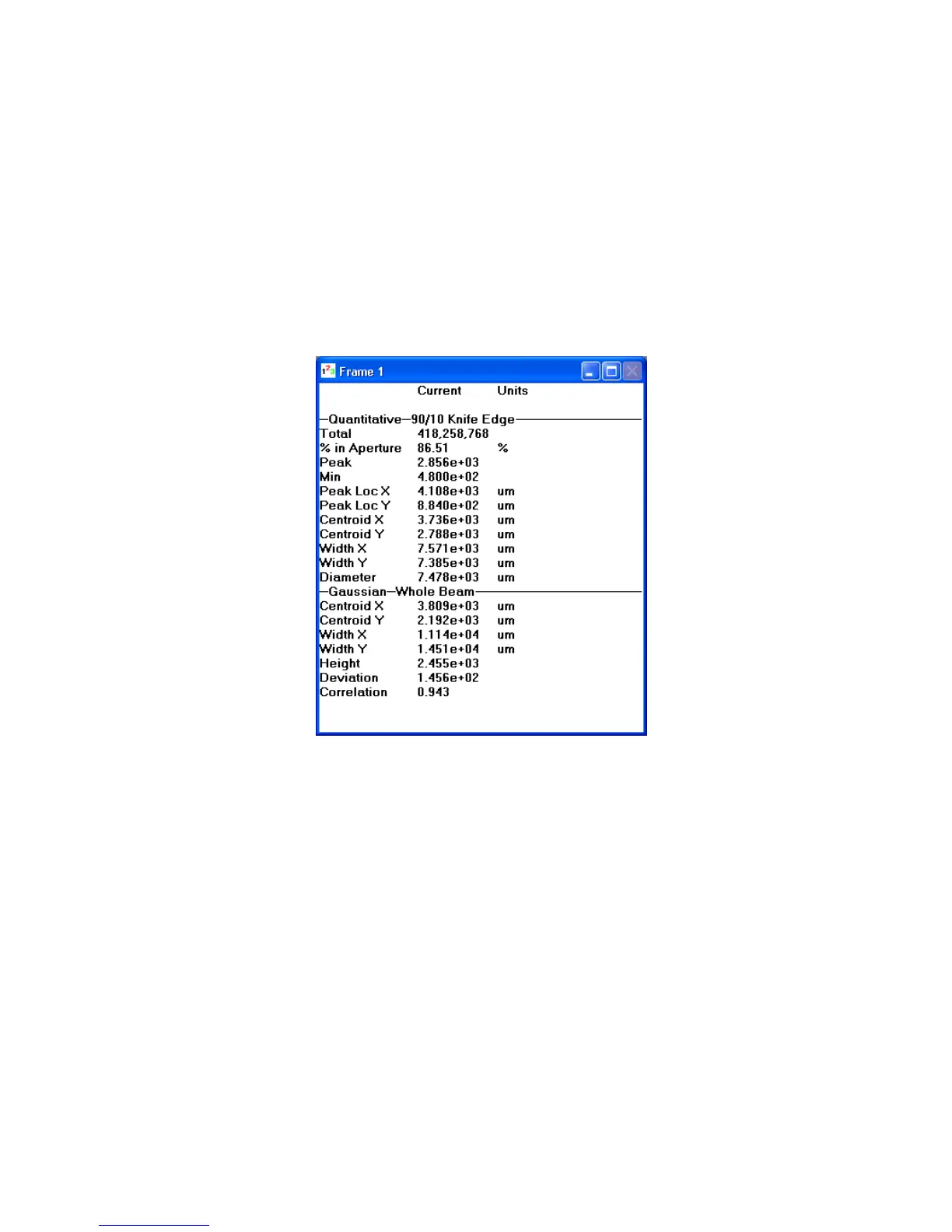
4.3 The Results Display Window
This window will display the computed results based upon the selections enabled in the Computations
dialog box. You can minimize, maximize, or resize this window. The top title bar in this child window
will indicate the Frame number associated with the current result values. With Statistics results
disabled, the Results Window will fit nicely along the left side of the child display area.
Figure 48
With Statistics enabled you will either need to use the horizontal scroll bar to bring the statistical
results into view, or you will need to maximize and/or resize this window.
Operator’s Manual LBA-PC
Doc. No. 10654-001, Rev 4.10
109



 To Next Page