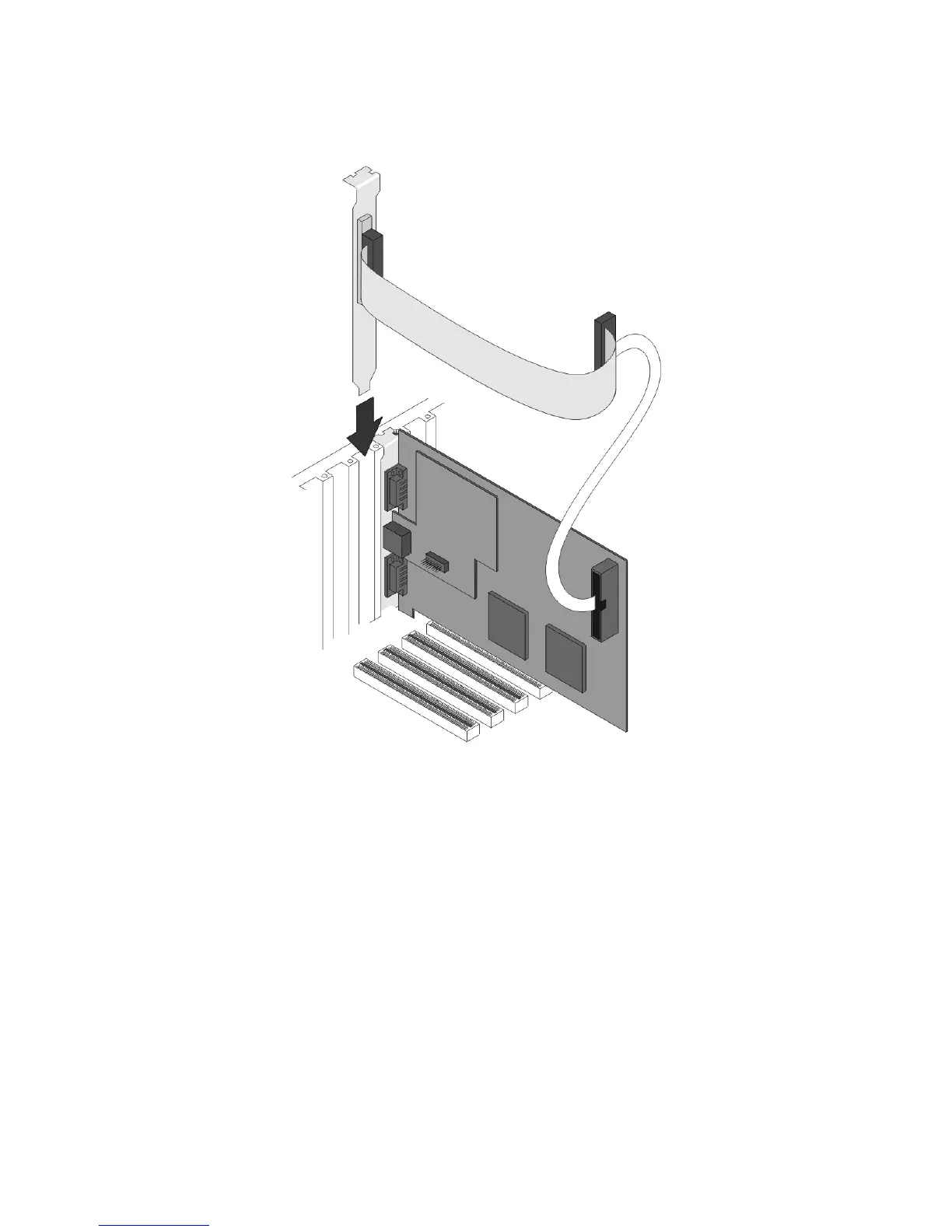
Digital Camera Option
Figure 4
Replace the cover of your computer. Restore the AC power to your computer.
Note: The location of the connectors may vary depending upon which frame grabber model is being installed. The
older LBA-400/500 series has a slightly different arrangement but the concept remains the same.
2.1.2 Step 2 Camera Connections
If you purchased a Pyrocam III to use with LBA-PC, disregard this section and refer to your Pyrocam
III Installation Guide. To use LBA-PC with your Pyrocam III you must launch LBA-PC from the
Pyrocam III Control Console.
Operator’s Manual LBA-PC
18



 To Next Page