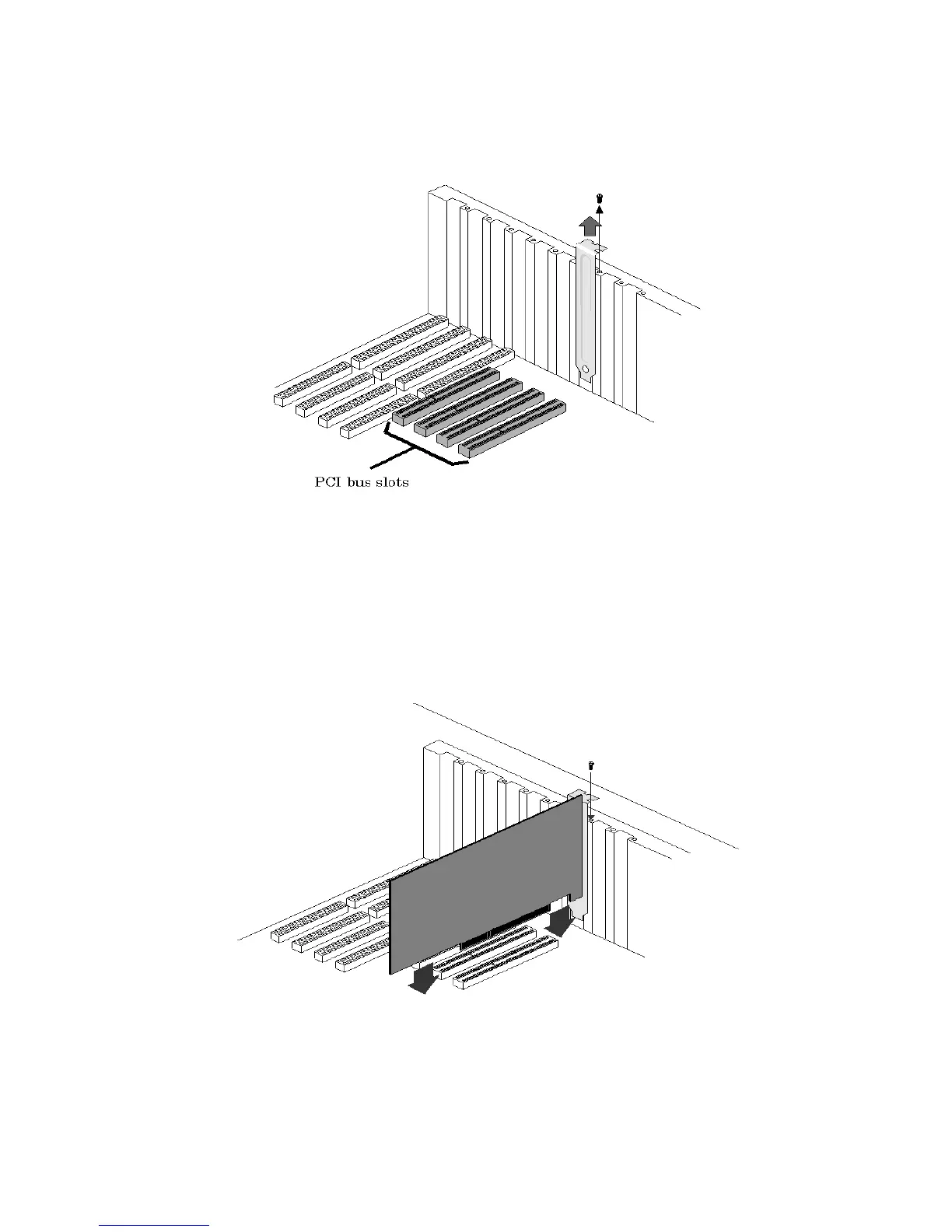
Note: If you purchased the optional 4 camera adapter, or the optional digital adapter then make sure that the slot
immediately to the left (viewed from the front of your PC) of the above PCI slot is also empty, and remove its rear
filler bracket also.
Figure 1
Carefully plug your LBA-PC frame grabber card into the PCI slot. Make sure that it is fully seated in
the PCI connector. Secure the end bracket with the screw that held in the filler plate. (See figure
below)
Figure 2
Operator’s Manual LBA-PC
16



 To Next Page