14
Passeq Analog Code
®
Plug-in
Output Level, Settings
Control Elements
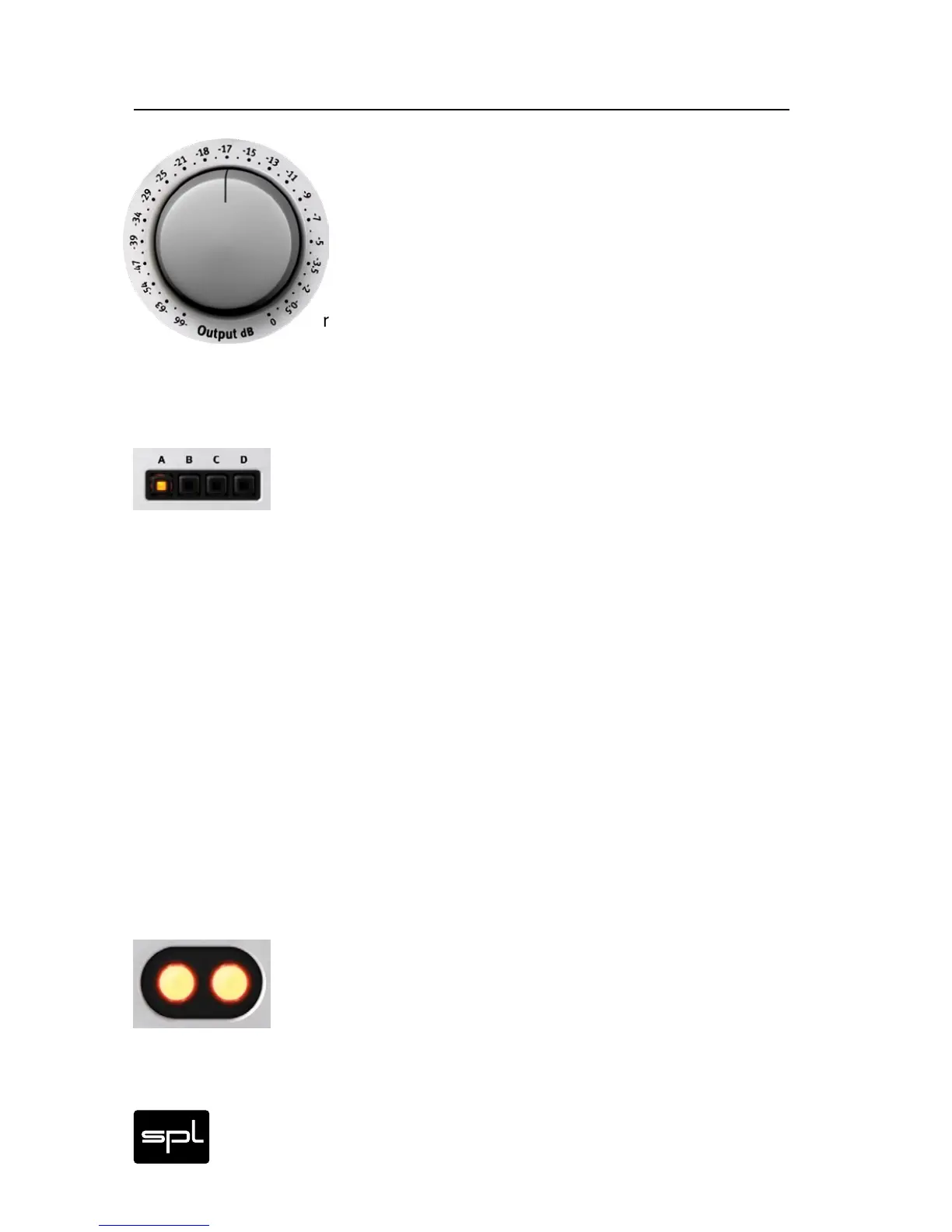
Output Control
The Output control serves as output level regulator. If
the output level increases due to frequency boost-
ing, it can always be reduced again to match the input
level. When you start using the plug-in, the control
is set fully clockwise, i.e. at 0 dB. From there you can
reduce the level to a maximum of -66 dB. The scale
starts with a very fine resolution to allow for smooth adjust-
ments, especially in the first half of the control range.
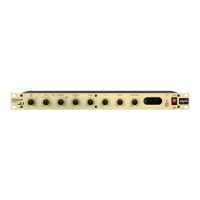
Settings
The four SETTINGS buttons allow you to save all your set-
tings with a simple mouse click. As soon as you click on another
SETTINGS button, the current settings are saved under the pre-
viously active preset. For example: In the image shown here, all
parameters would be saved under preset “A” if you were to click
on another button.
Any previously saved preset can be recalled with a simple mouse
click on the corresponding button; you can then use or edit the set-
tings. If the host program allows it, the presets can also be auto-
mated so you can use different settings at different points. As long
as you work in a specific session of the host program and the plug-
in is installed, the settings are saved and can be recalled after-
wards. When opened, the plug-in loads the active preset settings
instead of the default settings. If you remove the plug-in from the
host program all presets are lost. To erase all presets at once you
can remove the plug-in from the host program and then reinstall it.
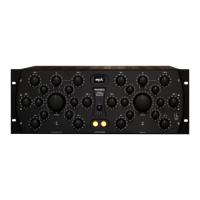
Channel Switch
Two illuminated switches in the center of the standard GUI
front activate or bypass processing for the left or right chan-
nel. On the Passeq Single GUI, the right switch is always
grayed out; the left one always activates or deactivates the Passeq
Single, regardless of whether processing is mono or stereo.


 To Next Page