Passeq Analog Code
®
Plug-in
15
M/S and Link
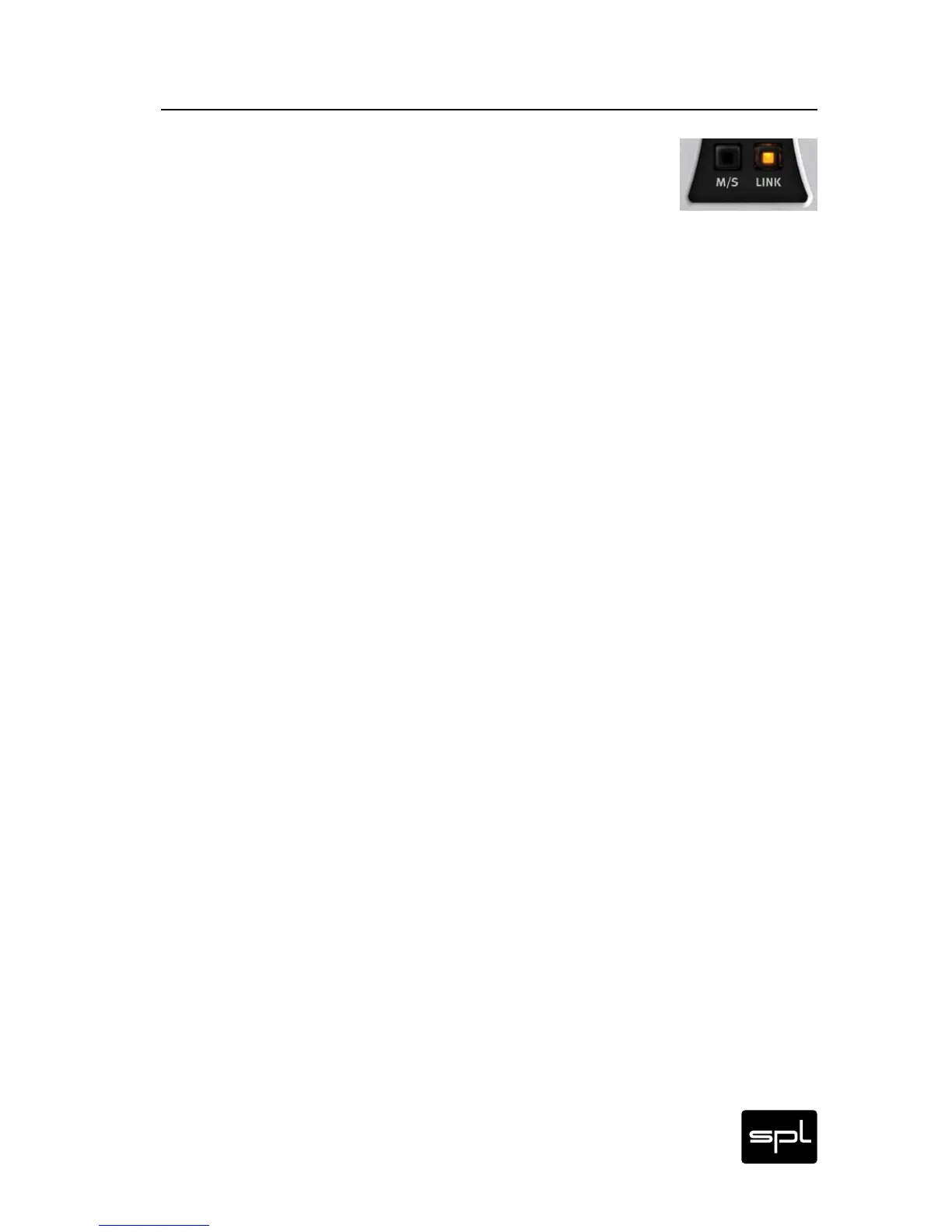
The M/S and LINK switches are only available in the standard
GUI, because separate operation of each channel is required
to use them. IMPORTANT: Usually, the LINK switch should be deac-
tivated when you activate M/S — otherwise the settings for the
mid signal are applied to the side signal as well.
M/S
As an alternative to L/R encoded stereo signals, there is one tech-
nique that is particularly useful for signal processing during pro-
duction: M/S. “M” stands for Middle (or Mid) and “S” for Side,
which means that signals are separated from the middle to the
sides, instead of from left to right.
The M/S switch activates an M/S encoding of the L/R signals. Now
you can process the mid information with the left channel and the
side information with the right channel. M/S encoding is only used
for processing; decoding into L/R format is done before the signal
is output. Note that both encoding and decoding is lossless.
The use of a mid (M) and a side (S) signal instead of the usual L/R
signal results in a much wiser musical processing. High-energy
Mid signals (vocals, snare, bass guitars, etc.) can be easily sepa-
rated from Side signals (guitars, keyboards, cymbals, etc.). When
processing sum signals, M/S encoding is often the best option to
be able to target single elements within a mix. Also refer to “M/S
Basics“ on page 28 ff.
Link
The LINK switch couples both channels. This ensures the same
settings for the two channels, and it takes half the effort to set
them up.
The left channel always controls the right channel. If you activate
the LINK mode, the current settings on the right channel are not
overwritten, even if they are different. Settings are only trans-
ferred once LINK mode has been activated.
M/S, Link, Channel Switch
Control Elements


 To Next Page