20
Phonitor 2
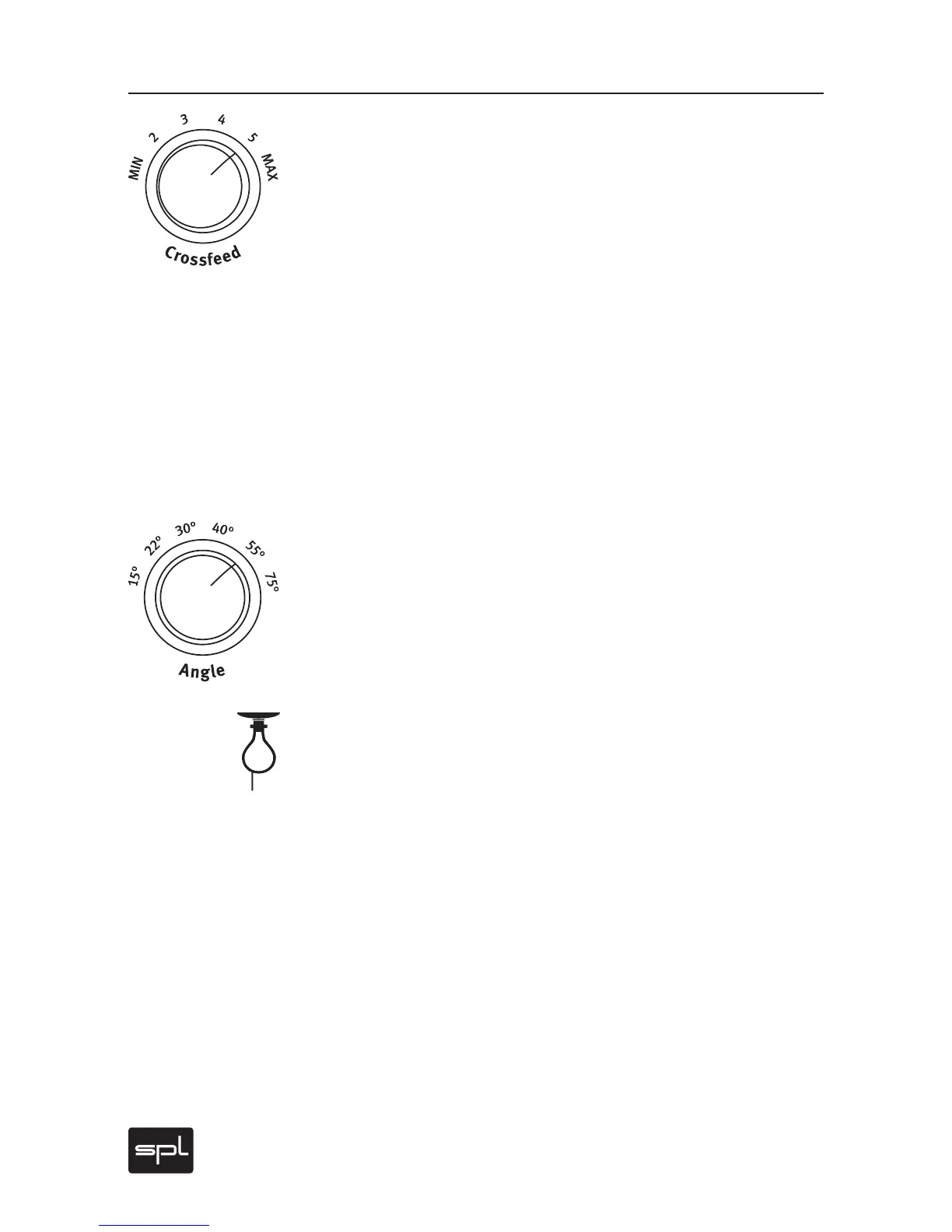
Crossfeed
The Crossfeed switch allows you to adjust the frequency-dependent
crossfeed simulation of both channels by adjustments of interaural
level difference – as if this characteristic would be heard from mon-
itors when in their own room ambiance. One can compare variations
in crossfeed values as approximating the influence of different room
sizes and characteristics on a given loudspeaker setup.
This adjustment can be made in six steps ranging from “minimum” to
“maximum”. Crossfeed interacts with the Angle value to simulate the
width of a stereo image (please refer to the next section).
For further information regarding simulation of a specific loudspeaker
playback setup, please refer to “Adjust Headphone Reproduction To
Loudspeaker Monitoring“ on page 26.
Angle
The Angle switch provides for frequency-dependent simulation of your
stereo image width by adjustments of interaural time difference. This
influences the moment in time at which a signal‘s wave form arrives
at the ear and corresponds to a particular variation in the angle of an
actual loudspeaker pair.
The time constants of the interaural time differences between the left
and right channels occur within a range of 90 to 635 microseconds.
Compare the table “Crossfeed and Angle Parameters” on page 21.
We recommend to start with the figures of the accentuated lines from
this mathematically-based table for a given monitoring setup. As you
might expect, however, the best results can only occur when you fol-
low the recommendations and then as needed, carefully engage in
your own additional fine tuning, especially between Angle and the
Crossfeed value.
For further information on the simulation of a specific loudspeak-
er playback, please refer to “Adjust Headphone Reproduction To
Loudspeaker Monitoring“ on page 26.
.
Control Elements



 To Next Page